- 46 -
ALARM / SCHEDULE
Clock Set
To set an alarm:
1. Tap into the Alarm/Schedule screen, tap Clock
2. Tap the + icon in the bottom of the app screen
3. Add any text you’d like to display on your Nuband Optim
as a reminder
4. Select the time you want the alarm for
5. Tap the days you want the alarm and if you need it to repeat
6. Tap to save
7. Your alarm will display on the clock list when you press at right
top corner.
Your alarm will now show in the alarm settings screen. To disable an
alarm, slide the toggle switch to the left, or to delete it completely.
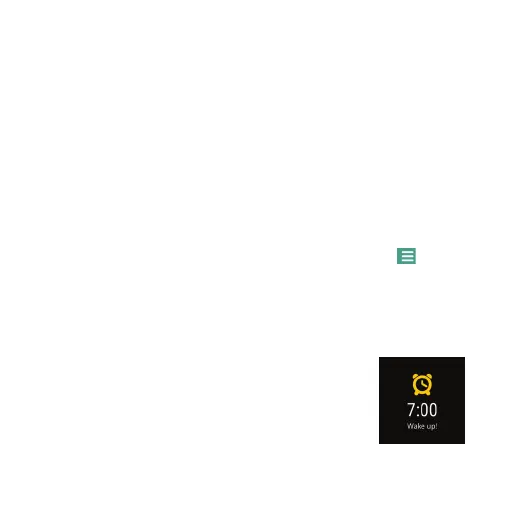
Nuband Optim will remind you accordingly to your
set Alarm.


 To Next Page