- 49 -
Schedule
To set reminders on your Nuband is similar to setting alarms:
1. Tap into the Alarm/Schedule screen
2. Tap Schedule
3. Tap the + icon in the bottom of the app screen.
4. Select the date
5. Set the time
6. Enter the message you would like displayed on your Nuband
7. Tap
to save.
8. Your schedule will display on the Schedule List when you press
at right top corner
Your schedule will now show in the schedule list. To disable a schedule,
slide to the left and press delete.
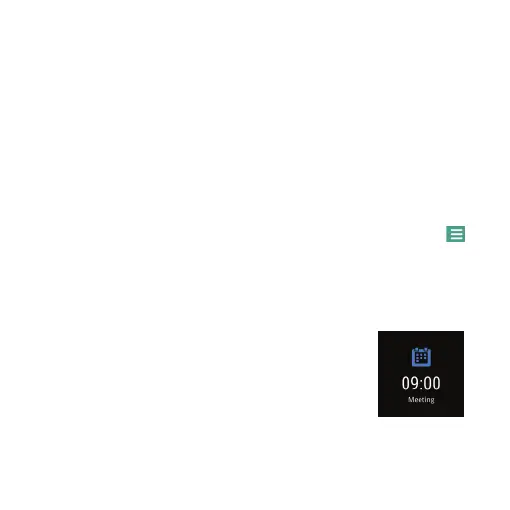
Nuband Optim will remind you accorlingly to
your Set Schedule.


 To Next Page