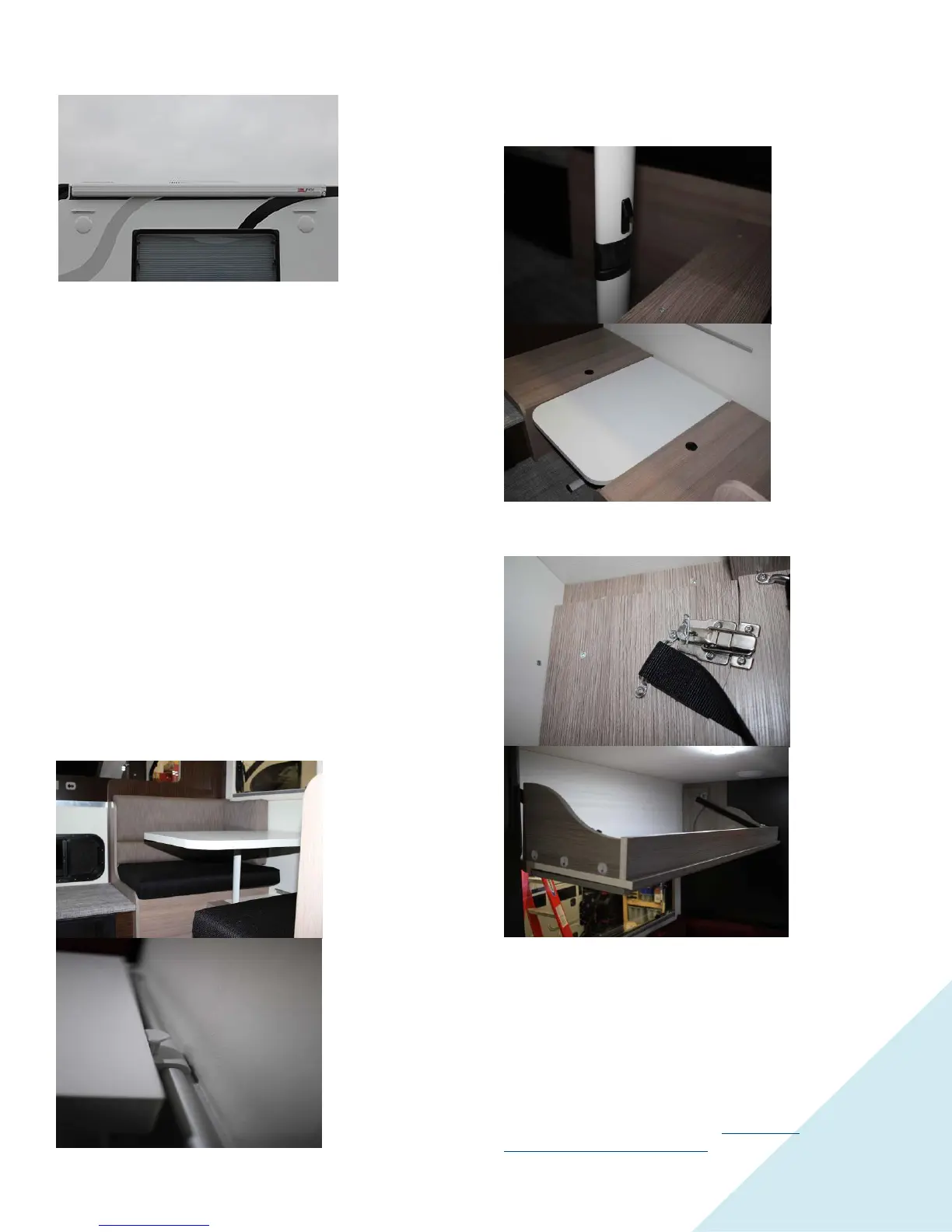
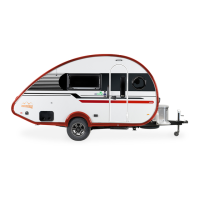
Awning
To operate
awning press
the select
button on the
jack remote
and hold it for
5 seconds, an
LED will
indicate bright
red for the
four-jack mode
and green for the two-auxiliary device mode, the top four
buttons on the remote will operate the two auxiliary devices.
The bottom four buttons and the “All” buttons will be
inoperative during Auxiliary mode.
An operating and maintenance guide for your awning(s) is
included in your Owner’s Information Package. It contains
instructions for opening and closing the awning, as well as
maintenance and care instructions.
You should make sure your traveling companion is also
familiar with the operation of the awning. If a sudden wind
should come up, or if high winds are in forecast, the awning
should be retracted, stowed and the travel locks engaged.
Awnings damage such as a bent tube, torn canvas, or broken
arms due to high winds or water are not covered by warranty.
Rear Awning
If your camper is equipped with a rear awning you will find
the crank to extend it in the wardrobe right inside of entry
door.
Camper Bumper/Step
The aluminum bumper has sealed taillights and backup lights.
Use the fold down step when entering or exiting the camper.
Dinette Conversion
To convert table into a bed push down both buttons where
table top connects with the rail on the wall, then press the
button on the leg to fold it and move the table to the bottom
rail.
Reverse procedure to return the dinette to the seating position.
Fold Down Top Cabinet
The fold-down top cabinet is located over the dinette. To
lower, open the latches located inside the cabinet at each end
and lower the cabinet front. To store the cabinet, reverse the
procedure.
Appliances
Follow the operating and maintenance instructions supplied by
the appliance manufacturer for safe and dependable use. The
following information is supplied as only a supplement to that
provided with each appliance. If you have a problem, see your
local nüCamp RV service center http://cirrus-
truckcamper.com/dealer-locator/ or call the appliance


 To Next Page