Revision 2.2
5-12
ChannelMaster TX1 Transmitter
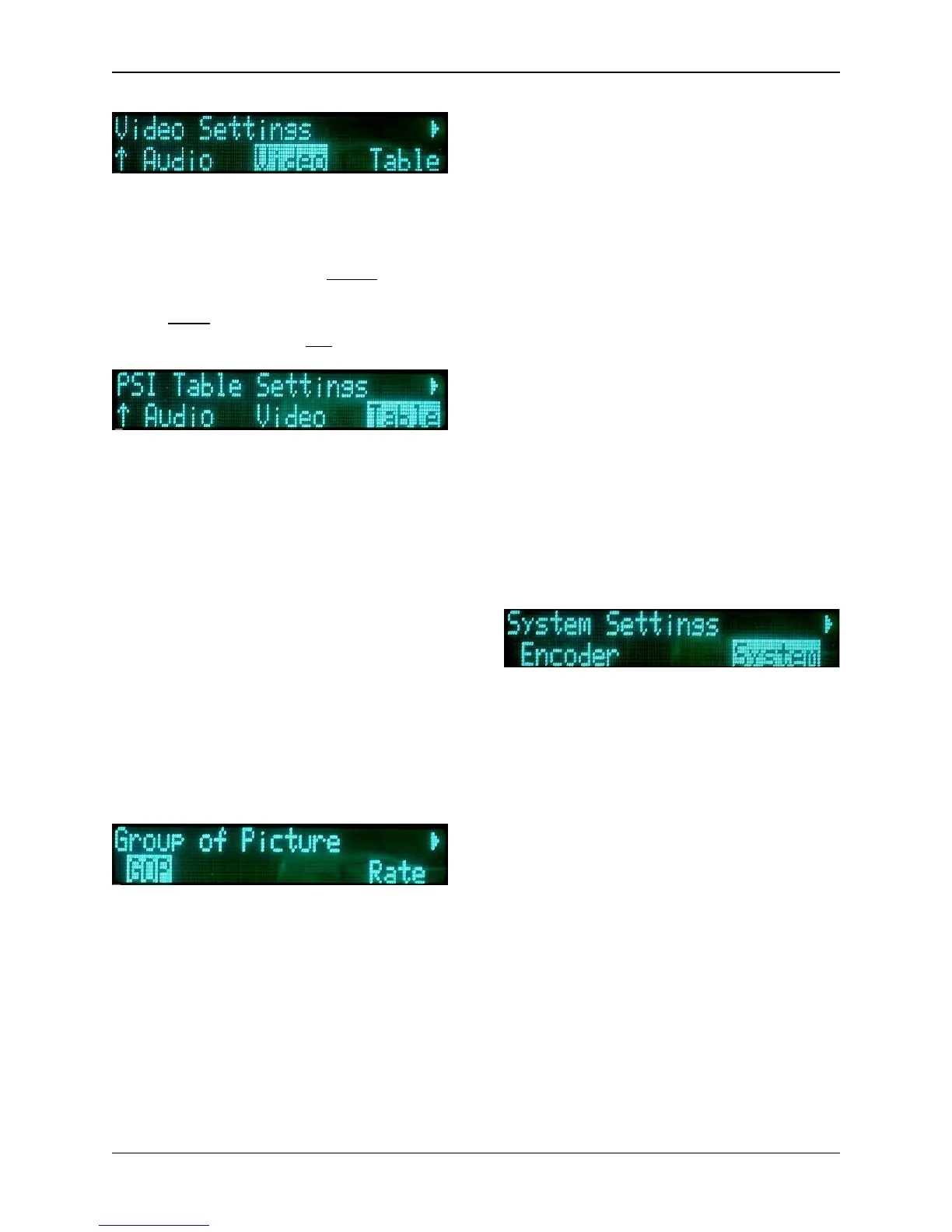
Under the Video sub-menu, the user
can change any one of three Digital
video selections. They are:
• Standard (
format
): NTSC, PAL
• Profile
(video encoding)
: 4:2:2,
4:2:0
• Aspect (Ratio): 4:3, 16:9
The Table sub-menu addresses how
MPEG-2 data packets are identified
during transmission. The following
values can be set by the user:
• Service Name: (16 characters)
• Service Provider: (16
characters)
• PCR PID: (hexadecimal value)
• Video PID: (hexadecimal value)
• Audio 1 PID: (hexadecimal
value)
• Audio 2 PID: (hexadecimal
value)
(Refer to Section 5.1.1: Changing
Characters.)
With the GOP sub-menu, the user can
set the type of frames, the amount
frames, and the sequence used. The
options for this sub-menu are:
• 0: Low Delay – very fast
encoding with low latency (the
time it takes
a
data packet to
move across a network
connection
).
• 1: IP–15 – encoding utilizing Intra
and Prediction frames, with a
sequence of 15 frames.
• 2: IP–45 – encoding utilizing Intra
and Prediction frames, with a
sequence of 45 frames.
• 3: IPB–15 – (default) encoding
utilizing Intra, Prediction, and Bi-
directional frames, with a
sequence of 15 frames.
• 4: IPB–45 – encoding utilizing
Intra, Prediction, and Bi-
directional frames, with a
sequence of 45 frames.
• 5: IPBB–15 – the slowest
encoding utilizing Intra,
Prediction, and Bi-directional
frames, with a sequence of 15
frames, but with double bi-
directional frames. It has the
highest type of encoding quality.
System Menu Selections
The System Menu establishes the
general operating parameters for the
ChannelMaster TX1. The System Menu
has seven sub-menus:
• Options
• Remote
• Version
• Restore
• Frequency
• Factory
• Nextel


 To Next Page