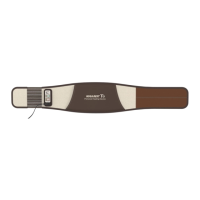
How to Use the Controller
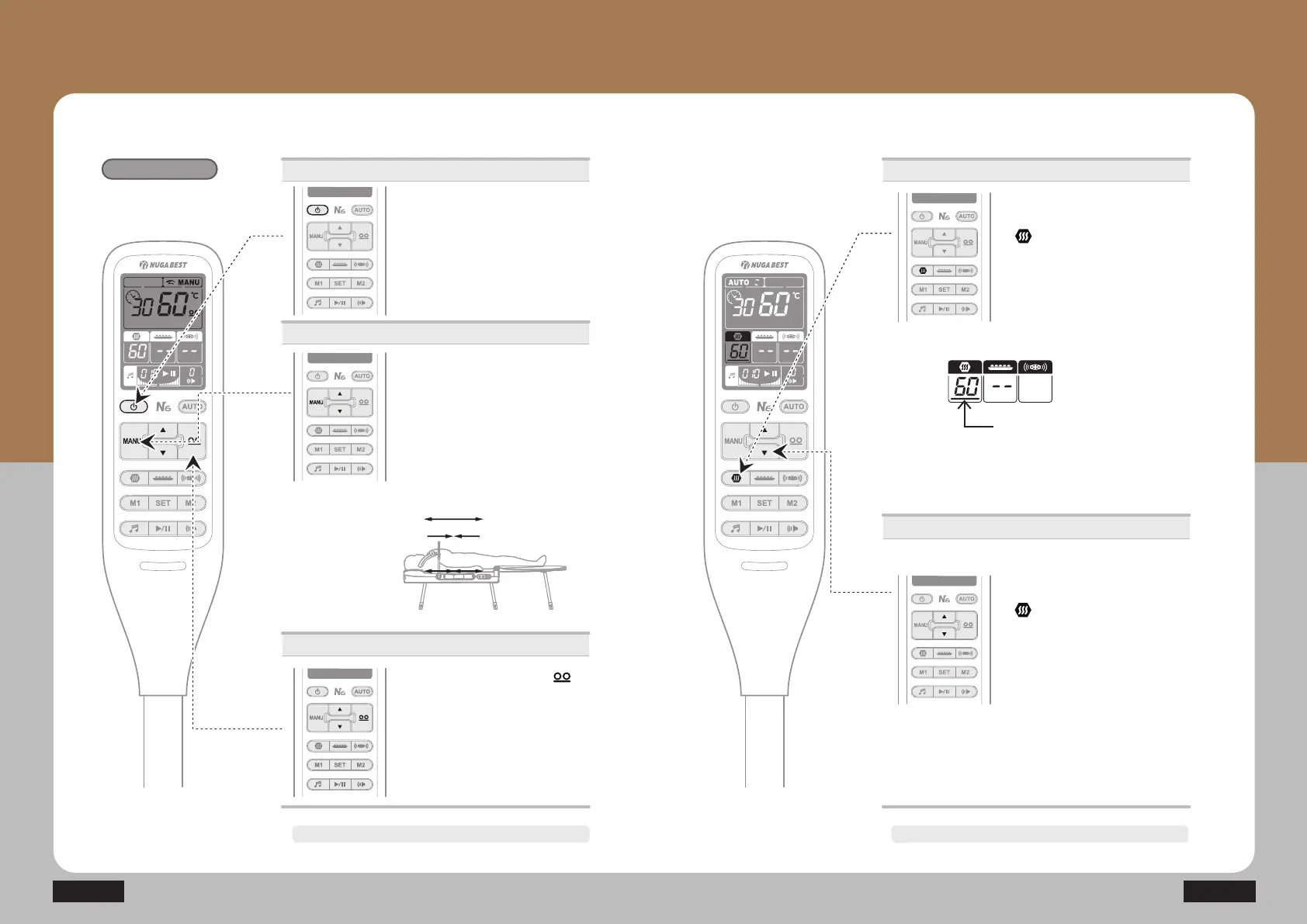
- Temperature setting for the Auxiliary heating part
Manual Mode
24
N6
25How to Use the Product
The power will turn off automatically after approx. 8 hours.
Power supply
① Press the power button.
· Press the power button once : On
Press it once again : Off
Manual Mode
② Pressing MANU (▲,▼) in the MANU
mode will cause the MANU icon to blink
and the internal projector can be moved
to a desired area. The internal projector
moves while (▲/▼) is being pressed.
·▲ : The internal projector moves to the
cervical and lumbar vertebrae.
·▼ : The internal projector moves to the
thoracic vertebrae region.
▲
▲
③ Press the internal projector ( )
button and adjust the temperature
by pressing ▲or ▼.
(Moderate temperature: 55~60℃)
· Range of temperature setting for
internal projector: 40~70℃
· Temperature setting unit
40~70℃: Temperature setting per 1℃
Temperature control
The power will turn off automatically after approx. 8 hours.
Operations
① Press the auxiliary heating part
( ) button.
· Press the auxiliary heating part
button once: Select
· Press the auxiliary heating part
button and hold: On/Off
When the cursor turns on, you can
adjust the temperature.
Temperature control
② Press the auxiliary heating part
( ) button and adjust
the temperature by pressing ▲or ▼.
(Moderate temperature: 55~60℃)
·The temperature increases until it
reaches the set temperature.
·Temperature setting unit
30~60℃: Temperature setting per 1℃



 To Next Page