32
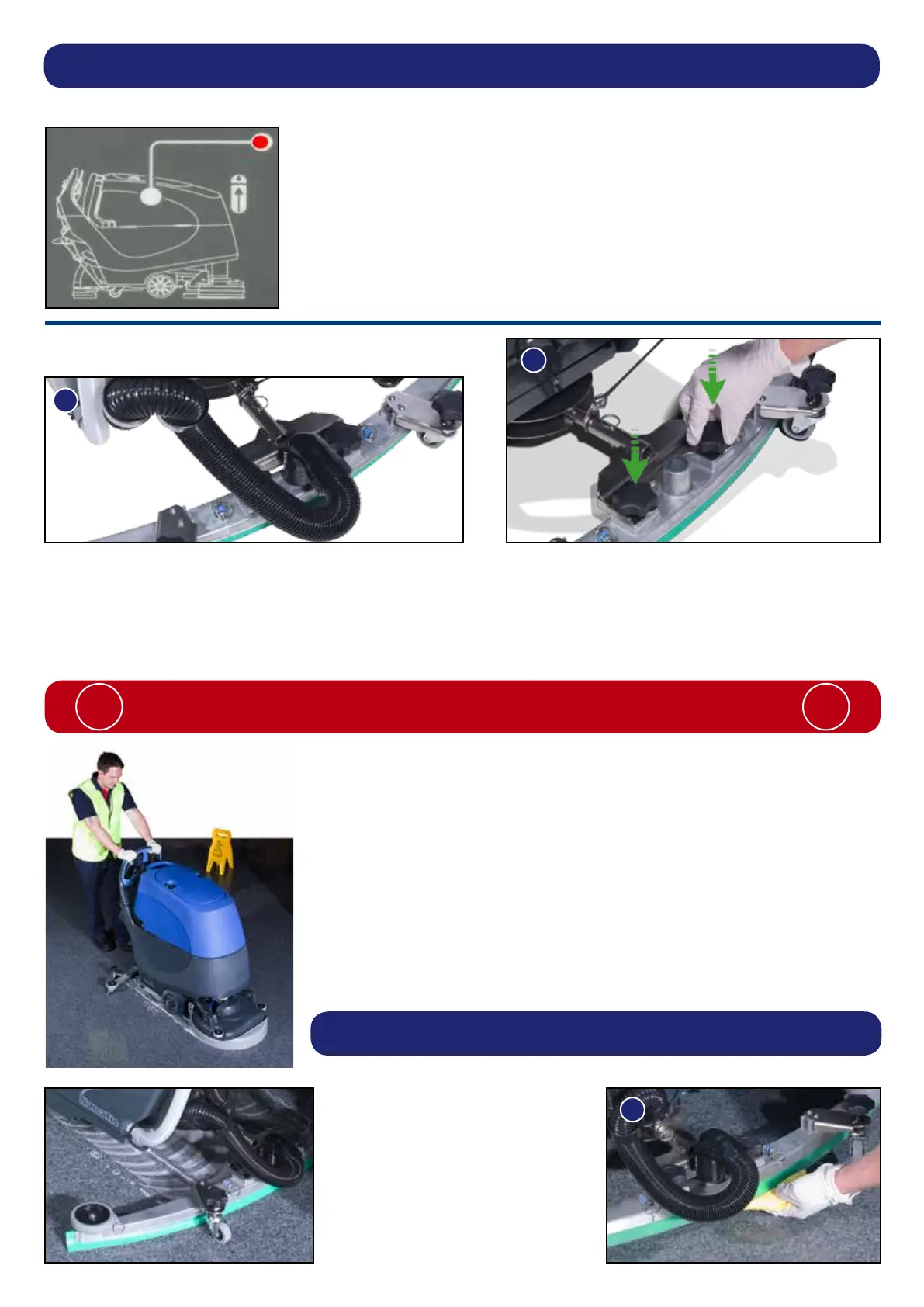
Waste-water tank ll level warning light
When the waste-water tank becomes full, a red warning light will
illuminate on the operator control panel (as illustrated).
The vacuum motor will stop automatically after 5 seconds.
The waste-water tank requires emptying (see page 36).
Machine Operation
Breakaway Floor-tool
The oor-tool design incorporates a breakaway feature.
Allowing it to safely disengage from its mounting should it become caught on an obstruction, during forward machine
movement. (See Fig.22)
To re-attach the blade to its holder. First loosen the retaining knobs on the oor-tool body and slide onto the holding bracket.
Tighten retaining knobs to nger tight. (See Fig.23)
ALWAYS ENSURE THAT THE FLOOR IS PRE-SWEPT
AND RELEVANT SAFETY SIGNS ARE DISPLAYED.
! !
Machine in use
Note: Care must be taken to reduce speed when
cornering or when manoeuvring around obstacles
To operate, turn the main control on / off key to position ‘1’, select water ow rate,
lower the oor-tool (see page 30) press the start / stop trigger.
Vacuum pick-up, water-ow and chemical-dose will turn on automatically.
The clean-water / chemical mix is dispersed evenly via ‘THRU- FEED’ scrubbing
brushes.
The waste-water is then retrieved by the suction oor-tool.
Overlap each scrubbing path by 10cm to ensure an even clean.
Do not operate the machine on inclines that exceed (2%), when full.
On heavily soiled oors use a
‘double scrub’ technique.
First pre-scrub the oor with the
oor-tool in the raised position,
allow the chemical time to work
then scrub the area a second time
with the oor-tool lowered.
If streaking occurs wipe oor-tool
blades clean (see Fig.24).





 To Next Page