14
6: Date Setting - Year: Two digits are displayed the year information of date. If updating is
necessary, change.
7: Date Setting - Month: The month information of date is displayed. If updating is necessary,
change.
8: Date Setting - Day: The day information of date is displayed. If updating is necessary, change.
9: Time Setting - Hour: The hour information of time is displayed. If updating is necessary,
change.
A: Time Setting - Minute: The minute information of time is displayed. If updating is necessary,
change.
B: Time Setting – Second: The second information of time is displayed. If updating is necessary,
change.
C: Date / Time Update: 0: No change 1: Update date / time according to the entered values. The
entered values are considered as current Date / Time information when 5, 6, 7, 8, 9, A
parameters are changed and B parameter is set to 1.
D: Password: The password used to enter the operator parameters. This password used when
you want to change the set values. No password if 0 is selected.
6.2. PROGRAMMING SUMMARY
Follow the below steps to set and save the values.
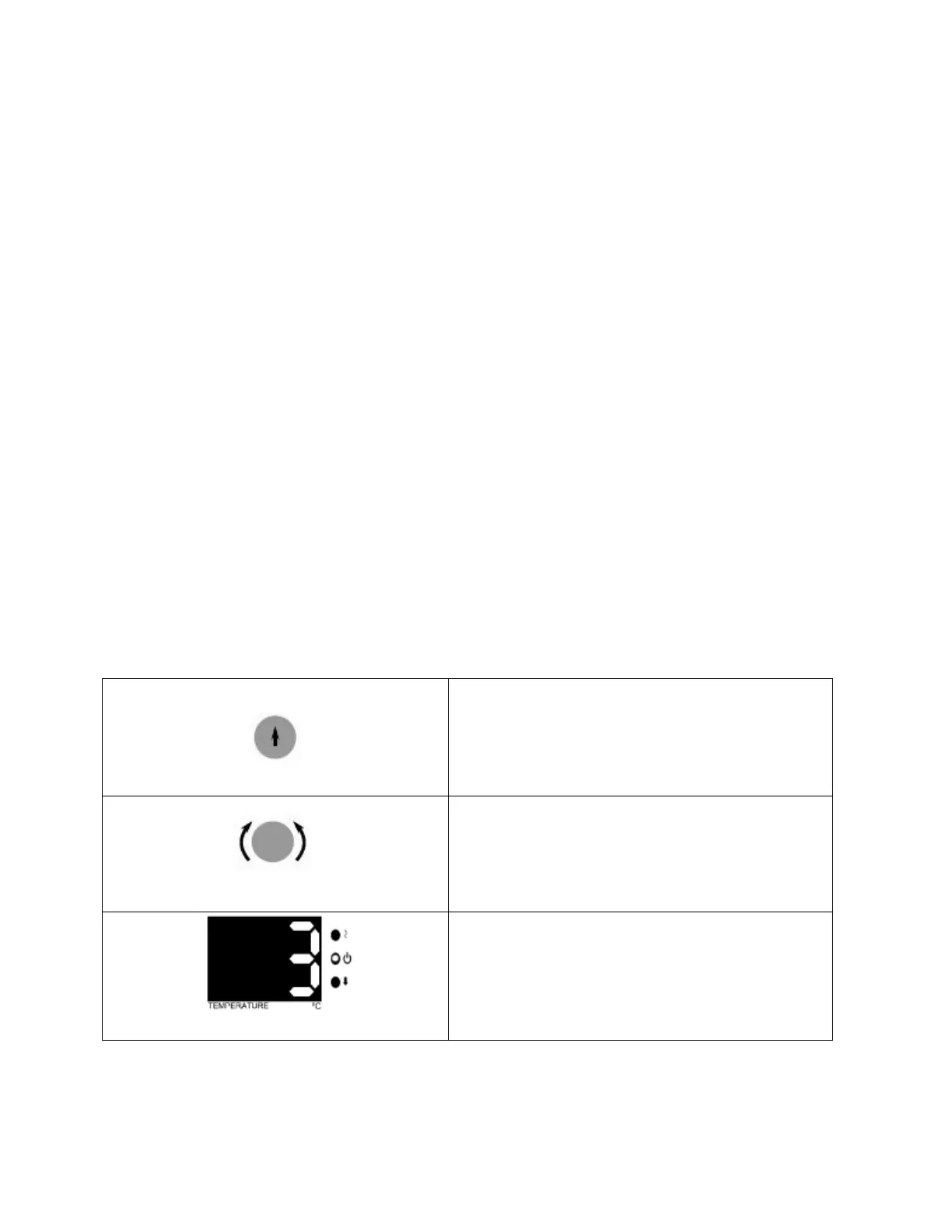
See that second LED flashes in the temperature
display, again push the encoder button.



 To Next Page