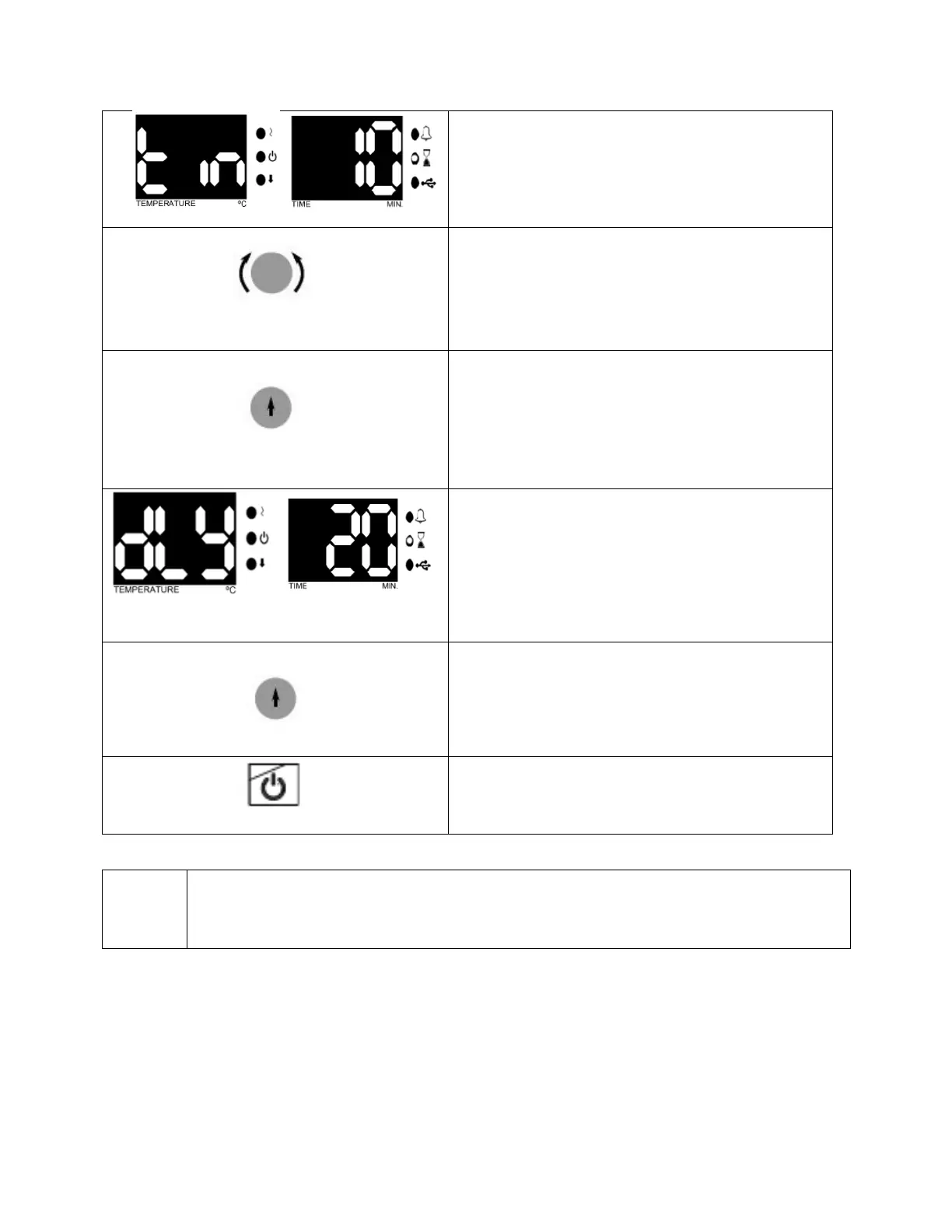
See the parameter flashing on the time display.
By turning the encoder button set operating
time value (01 minute to 99 hours 54 minutes or
Hold).
Push the encoder button and save set value.
See 'dLY' in the temperature display.
By turning the encoder button set operating
delay time value. If 'Off' is selected, heating will
start without delay. If any numerical value is
selected; After pressing Start, it starts heating
after the set delay time (01 minute to 99 hours
54 minutes).
Push the encoder button and save set value.
Push ‘the start button’ and start the program.
In order to display the set values during the operation, push the encoder button
once. The values set on the temperature display and the time display of the device
will appear for 5 seconds.
During the program, the time starts to count up after the instrument has reached to the
set temperature.



 To Next Page