16
X. Parental Lock
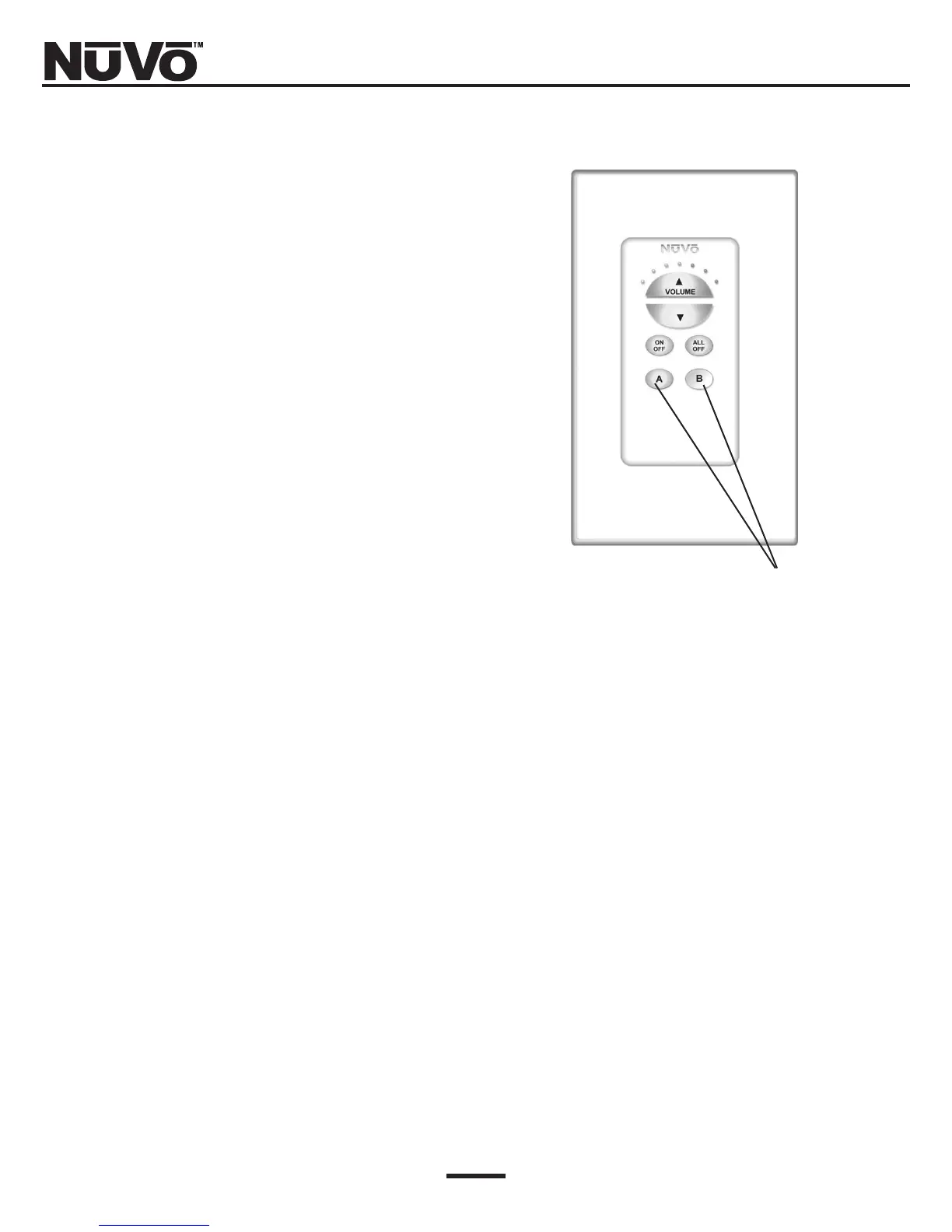
A special feature of the Simplese keypads is the ability
to lock them and eliminate any functionality of the
keypad buttons. This is useful when you do not want
other people to have access to the source selection or
volume within a particular zone. Each keypad has the
capability of being locked individually. (Fig. 14)
Locking or unlocking the keypads can be done at the
keypad or via the NV-RC2 remote control.
Fig. 14: Setting the keypad Parental Lock
To set the lock, simply hold the source selection button
for the source you wish to listen to for approximately 4
seconds. The keypad will flash momentarily. It will
then be locked until you choose to unlock it .
To unlock the keypad simply follow the same proce-
dure, and when the keypad flashes, it will resume nor-
mal functionality.
If the zone is off, holding the source button A for
approximately 4 seconds will lock the keypad in the off
position. To unlock it, simply hold the source A button
again for 4 seconds. The keypad will flash momentari-
ly to indicate that the keypad is unlocked.



 To Next Page