15
VIII. NV-RC2 Remote Control
All NuVo products come with the NV-RC2 wireless
remote. This remote will control all functions of the
Simplese keypads. To control the Simplese press the
button labeled "MULTI". Now the numeric buttons 1
and 2 will control source selection, and the buttons in
the section labeled "MULTI-ROOM" will correspond
exactly to the keypad.
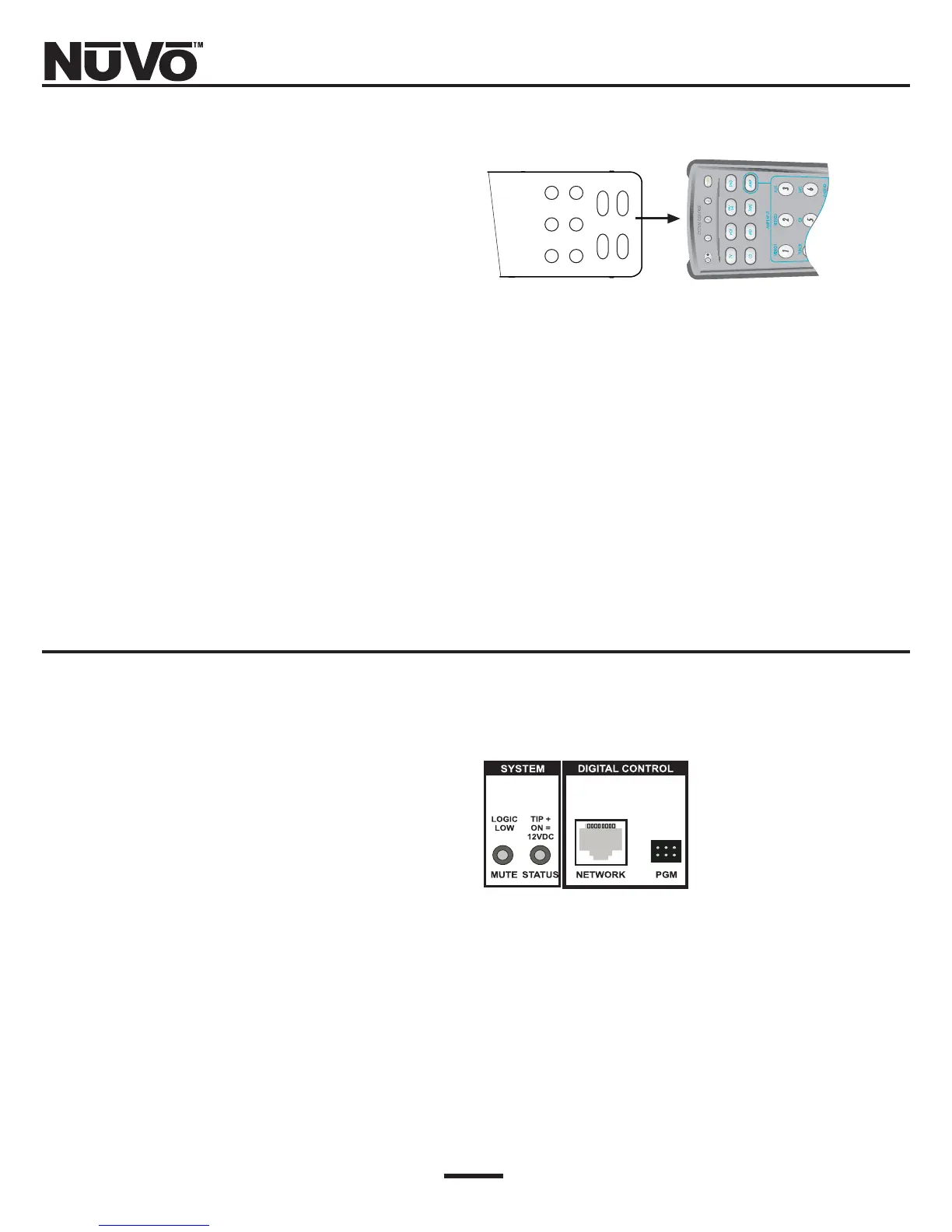
The RC2 can also be used to teach any learning remote
control all of its internal commands (Fig. 12).
IX. Using the “MUTE” Input and
“STATUS” Output
The "MUTE" input can be used to mute the system by
providing a dry closure to this 1/8” mini-plug (Fig. 13).
In other words, any short-circuit across this input will
temporarily mute the system. This can be useful for
providing a mute when the phone, or doorbell ring.
Most home automation devices can provide this type of
output.
The "STATUS" jack will provide a +12Vdc at 100mA out-
put when any zone is turned on. This can be used via a
signal-sensing power strip to switch on other equip-
ment when the Simplese system is being used.
Fig. 12: NV-RC2 Remote
NV-RC2 Remote Learning Remote
Refer to the owner’s manual for your learning remote
control to place that device in learn mode. Once you
have chosen a page for storing the Simplese internal
functions, i.e., source selection, volume, etc. You can
then easily teach these functions to your learning
remote and have complete wireless control of your
Simplese system.
Fig. 13: “MUTE” Input and
“Status” Output



 To Next Page