Nuvoton Nu-Link Debug Adapter User Manual
Oct 28, 2014 - 6 - Revision V1.01
2.4 Nu-Link-Me (On-board Version)
The main functions of the Nu-Link-Me on-board version, including debugging and online programming,
are the same as those of the Nu-Link-Me. The Nu-Link-Me on-board version is provided with all
NuMicro™ Family series. The user does not need to prepare s debugger when using a learning board.
The Nu-Link-Me on-board version includes an USB port that can be connected to a computer host, a
set of Status LEDs, and a SWD port connected to the chip on the learning board (default) for
debugging and programming (external connection is not supported). The SWD port voltage is always
3.3V.
The learning boards that support the Nu-Link-Me on-board version are listed below:
Nu-LB-NUC140
Nu-LB-M051
Nu-LB-Mini51
2.5 Nu-Link Adapter Hardware Specifications
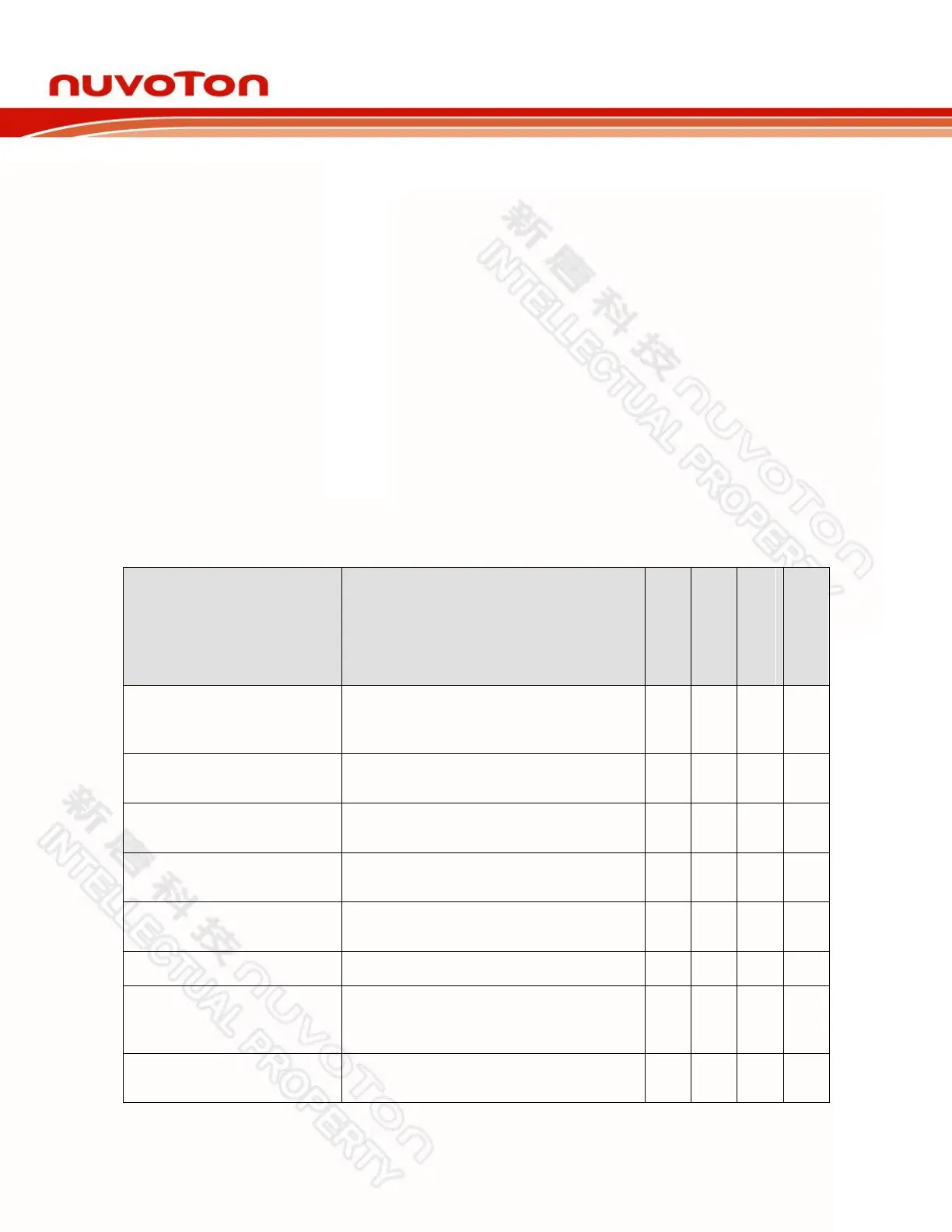
The Nu-Link Adapter hardware comparison is shown in Table 2-2.
Table 2-2 Nu-Link Adapter Hardware Comparison
Connected to an USB port of a PC to use
the Nu-Link Adapter or download offline
programming firmware
Connected to the target chip for
debugging and programming
Display the operation status of the Nu-
Link Adapter
Offline Programming Button
Click this button to proceed with offline
programming
Display the power output status of SWD
VCC pins
Display the SWD VCC and I/O voltage
Power switch between the power output
of the Nu-Link-Me power (e.g. between
the SWD VCC and I/O pins)
Able to connect to Keil’s MCBNUC1XX
board for debugging and programming
*
1
Only supported in parts of the version.



 To Next Page