13
Owner’s Manual
Preheating
While the unit reaches the appropriate temperature for the rice function
selected, the display will indicate that it is preheating ( ). Once the unit
reaches the appropriate temperature, it will shift from preheating to the preset
cooking time, then switch to a time countdown.
Preset Guide
1. Press a preset button (Ex: “steam”). The main display will show the default
time for this preset (Ex: “00:30”). The digits to the right of the colon (“:”)
display the minutes and the digits left of the colon display the hours. The
LED above the button will light up.
2. To begin cooking, close the Lid, then press “start”.
3. See temp and time sections for instructions on adjusting the temperature
and time. Cooking times are approximate. Various factors can affect the
cooking times such as altitude, humidity, and outside temperatures.
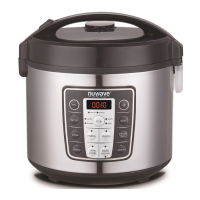
While the NuWave Olio
™
Rice & Multi-cooker is in
operation, do not touch the appliance’s surface as it may
become very hot, leading to the risk of burns. Inner pot
may retain residual heat after pot has been removed.
Do not remove Inner Pot during cooking process. Push
“pause/clear” button to turn off power before removal.
CAUTION
OPERATING INSTRUCTIONS (Continued)
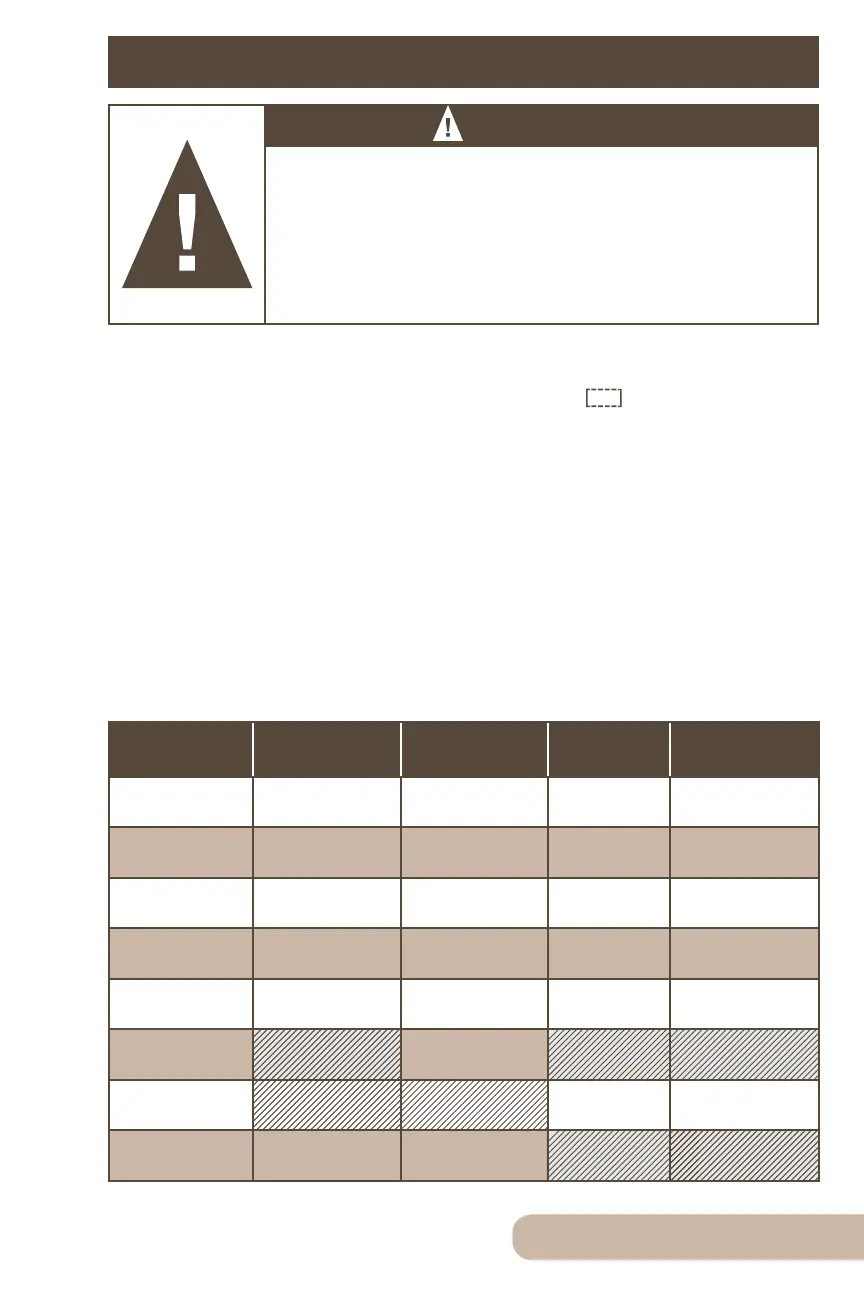
Delay 0:01-24:00
Temperature 205˚F 100˚F-270˚F
Time 0:30 0:01-99:60
Presets
& Functions
Default Times
Hours:Minutes
Min-Max
Hours:Minutes
Default
Temps
Min-Max
Steam 0:30 0:05-0:45 270˚F 100˚F-270˚F
Slow cook 4:00 2:00-9:00 200˚F 100˚F-270˚F
Sauté 1:00 0:01-1:00 270˚F 100˚F-270˚F
Simmer 0:20 0:01-1:00 200˚F 100˚F-270˚F
Warm 4:00 1:00-99:60 155˚F 100˚F-180˚F


 To Next Page