18
Owner’s Manual
OPERATING INSTRUCTIONS (Continued)
Note:
• When utilizing the delay function, it will always be the rst function performed.
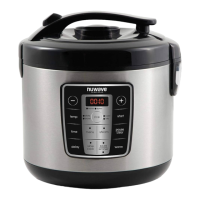
Warm
This function will let you manually adjust the time you would like to keep your
food warm.
Directions
1. Press the “warm” button. The LED above warm will be flashing and “4:00”
will be displayed.
2. Press the “+” or “-” button to increase or decrease the time.
3. Press the “start/stop” button to start.
Note:
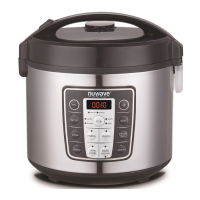
• The rice cooker will automatically go to this warm function when a desired
preset has completed. See page 16-17 for details.


 To Next Page