26 27
View Data
1) Complete Data Set
2) Custom Data Set
3) Unit of Measure
Live Data
DTC_CNT
FUELSYS1
FUELSYS2
LOADPCT(%)
ETC(
F
)
SHRTFT1(%)
1
OL_Drive
N/A
0.0
-40
0.0
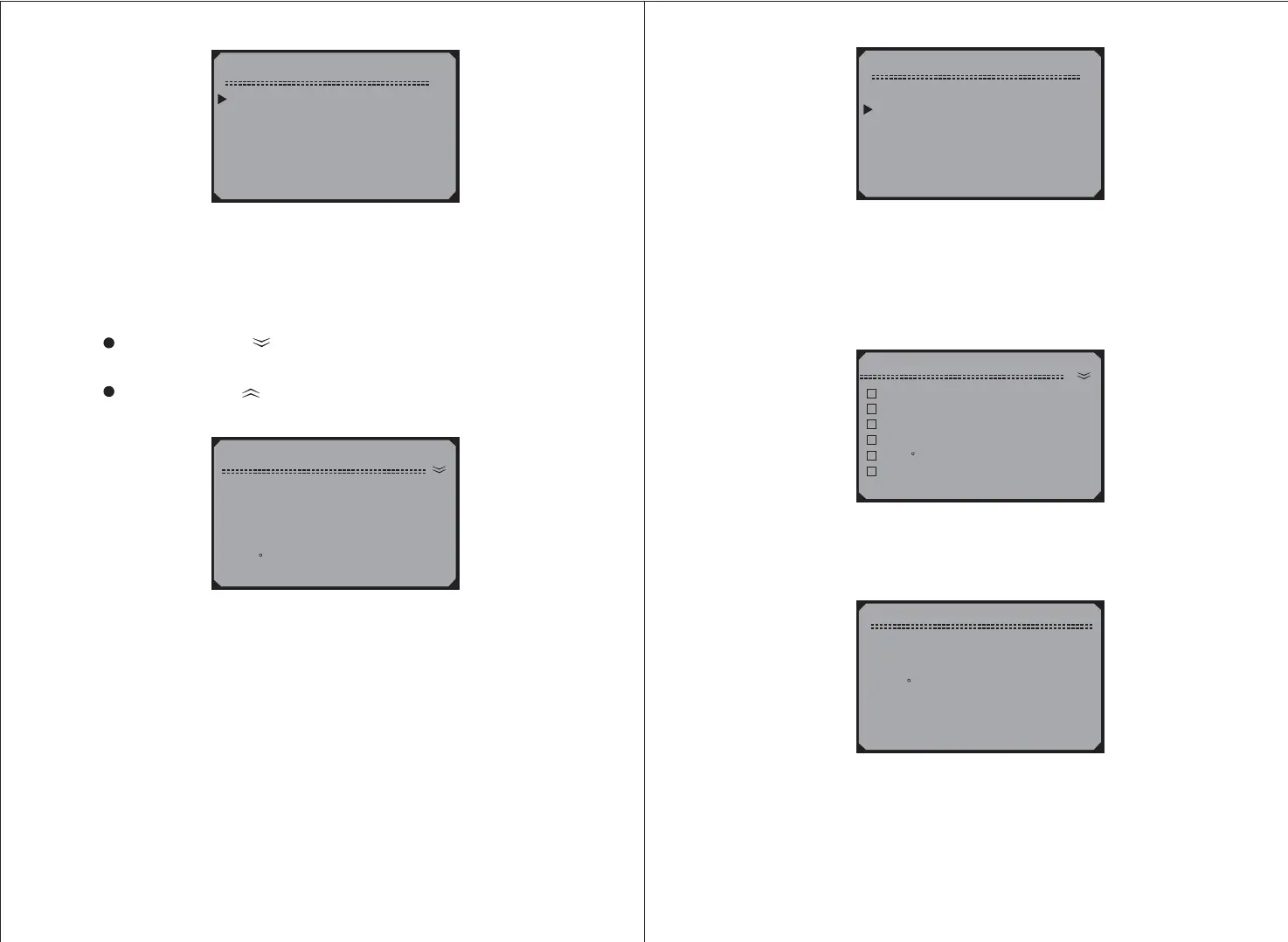
4) View live PIDs on the screen. Use the scroll buttons
for more PIDs if an arrow at the upper right hand
comer of the screen indicates that more than one page of data is
available.
UP/DOWN
UP/DOWN
A down arrow indicates that there are more data available
on the next screen.
An up arrow indicates that there are more data available
on the previous screen.
6) To view use the scroll buttons to
select from the menu and press the
button.
custom data set, UP/DOWN
Custom Data Set View Data
Y
5) To return to menu, press the button.View Data N
View Data
1) Entire Data Set
2) Custom Data Set
3) Unit of Measure
Custom Data Set
DTC_CNT
FUELSYS1
FUELSYS2
LOAD_PCT(%)
ETC(
F
)
SHRTFT1(%)
1
N/A
-40
0.0
System Setup
DTC_CNT
FUELSYS2
ETC(
F
)
LONGFT1(%)
7) Use the scroll buttons to move up and down list, and
press the button to select or deselect data parameters to view.
Selected parameters are marked with solid squares.
UP/DOWN
Y
4) Press the button to view selected PIDs on screen.N
5) Use the button to return to menu and / or theN View Data
Diagnostic Menu.



 To Next Page