12 13
3.8 Product Setup
System Setup
1) Contrast
2) Unit of Measure
3) Tool Self-test
4) Update DTC
Main Menu
1) Diagnostics
2) DTC Lookup
3) System Setup
4) Tool Information
The settings of theunit will remainuntil change to the existing
settings is made.
The scan tool allows you to make the following adjustments and
settings:
1) Adjusts the contrast of the LCD display.
2) Sets the Unit of Measure to English or Metric.
3) Tests the LCD display and the keyboard.
Contrast adjustment:
Unit of measure:
Tool self-test:
To enter the setup menu mode
From the keyboard: N
System Setup
Press and hold the button for at least 3 seconds
until menu shows up. Follow the instructions to make
adjustments and settings as described in the following setup options.
From the Main Menu: UP/DOWN
System Setup Y
Use the scroll buttons to select
, and press the button. Follow the instructions to
make adjustments and settings as described in the following setup
options.
Contrast Adjustment
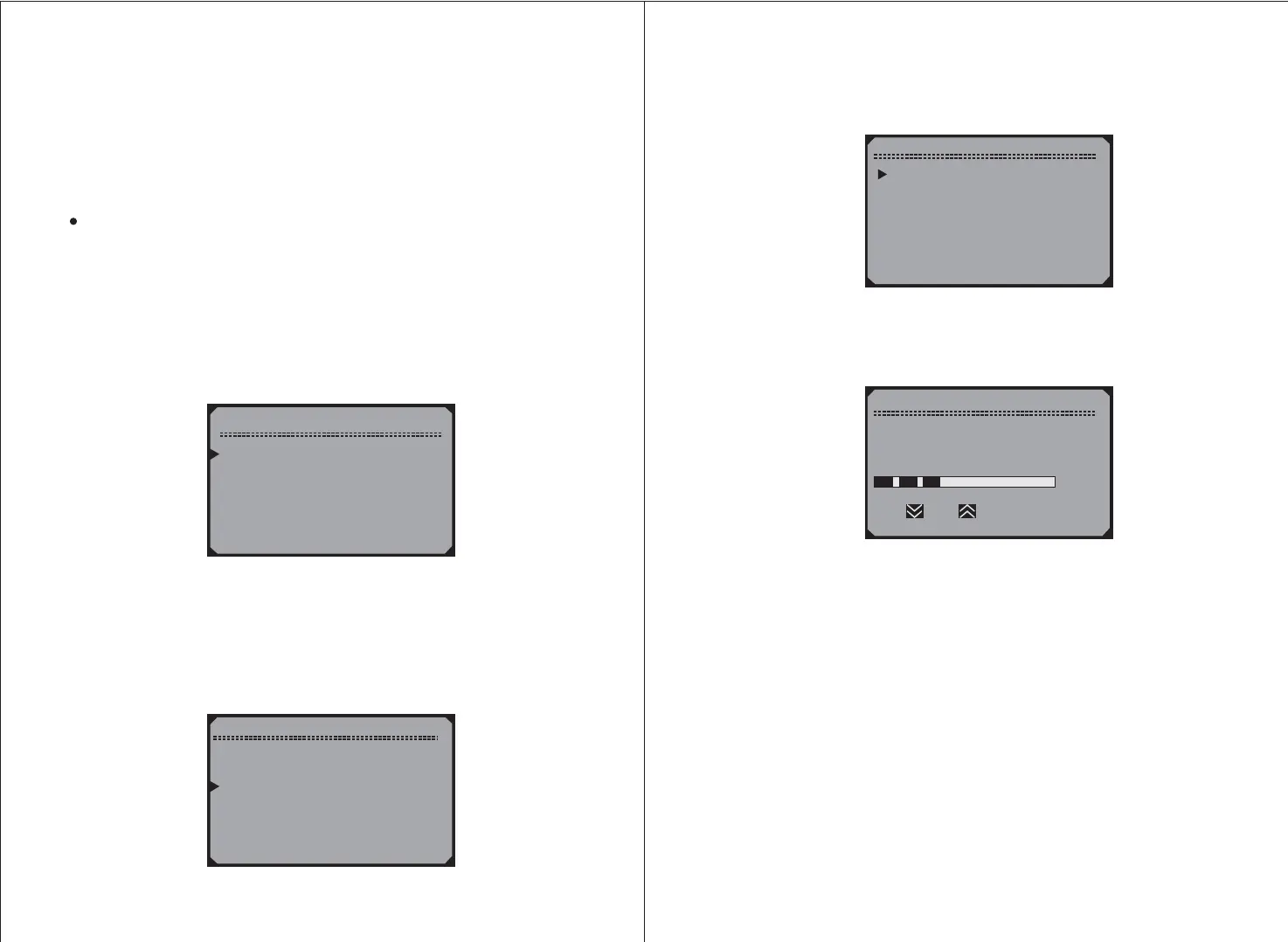
1) From the S menu, use the scroll buttons
to select , and press the button.
ystem Setup UP/DOWN
Contrast Y
System Setup
1) Contrast
2) Unit of Measure
3) Tool Self-test
4) Update DTC
2) From the menu, use the scroll buttons to
decrease or increase the contrast.
Contrast UP/DOWN
3) Press the button to save your selection and return to previous
menu.
4) Press the button to return to
Y
N Main Menu.
Contrast
Contrast ( 27% )
Use or to change



 To Next Page