28 29
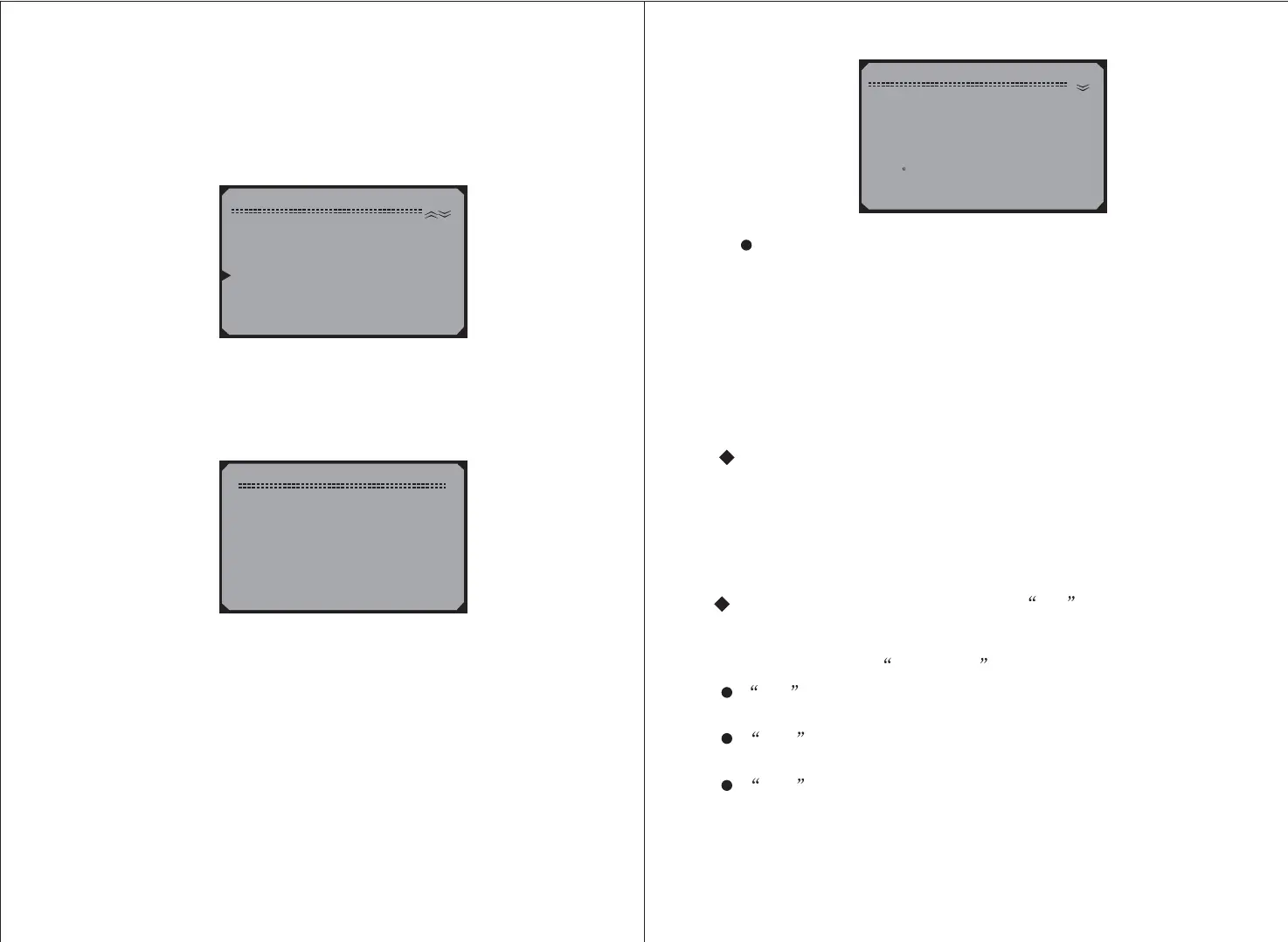
4.4 Reading Freeze Frame Data
1) To view Freeze Frame Data, use the scroll
buttons to select from the
and press the button.
UP/DOWN
Freeze Frame Diagnostic Menu
Y
2) Wait a few seconds while the Scan Tool validates the
.
PID
MAP
3) If the retrieved information covers more than one screen, then
a down arrow will appear. Use the scroll button, as
necessary, until all the data have been shown up.
DOWN
Diagnostic Menu
1) Read Codes
2) Erase Codes
3) Datastream
4) Freeze Frame
5) I/M Readiness
6) O2 Monitor Test
Freeze Frame
Reading PID.01
- Please Wait -
Freeze Frame
DTCFRZF
FUELSYS1
FUELSYS2
LOAD_PCT(%)
EC (
F
)
SHRTFT1(%)
T
1630
OL_Drive
N/A
0.0
-40
0.0
4.5 Retrieving I/M Readiness Status
I/M Readiness function is used to check the operations of the
Emission System on OBD2 compliant vehicles. It is an excellent
function to use prior to having a vehicle inspected for compliance
to a state emissions program.
An I/M Readiness Status result of NO does not necessarily
indicate that the vhicle being tested will fail the state I/M
inspection. For some states, one or more such monitors may
be allowed to be Not Ready to pass the emissions inspection.
If there is no freeze frame data available, an advisory message
shows on the display.
4) Press the button to return to theN Diagnostic Menu.
Some latest vehicle models may support two types of I/M
Readiness tests:
A. - indicates status of the monitors since the
DTCs are erased.
B indicates status of monitors since the
beginning of the current drive cycle.
Since DTCs Cleared
This Drive Cycle -.
OK
N/A --
-- Indicates that a particular monitor being checked has
completed its diagnostic testing.
INC -- Indicates that a particular monitor being checked has not
completed its diagnostic testing.
The monitor is not supported on that vehicle.
1) Use the scroll buttons to select from
the and press the button.
UP/DOWN I/M Readiness
Diagnostic Menu Y



 To Next Page