34 35
Diagnostic Menu
07) On- Board Mon. Test
08) Component Test
09) Vehicle Info.
10) Modules Present
11) Unit of Measure
On- Board Mon. Test
Reading PID.01
- Please Wait -
On-Board Mon. Test
Test 01 Data
Test 05 Data
Test 09 Data
$
$
$
On-Board Mon. Test
O2 Mon. B1S1
O2 Mon. B1S2
Catalyst Mon. B1
EGR Mon. Bank1
Test 01 Data$
ID :
MOD :
MEAS:
MAX :
MIN :
STS :
00
$ 11
0
0
---------
OK
For CAN-equipped vehicles, the test selections can be as below:
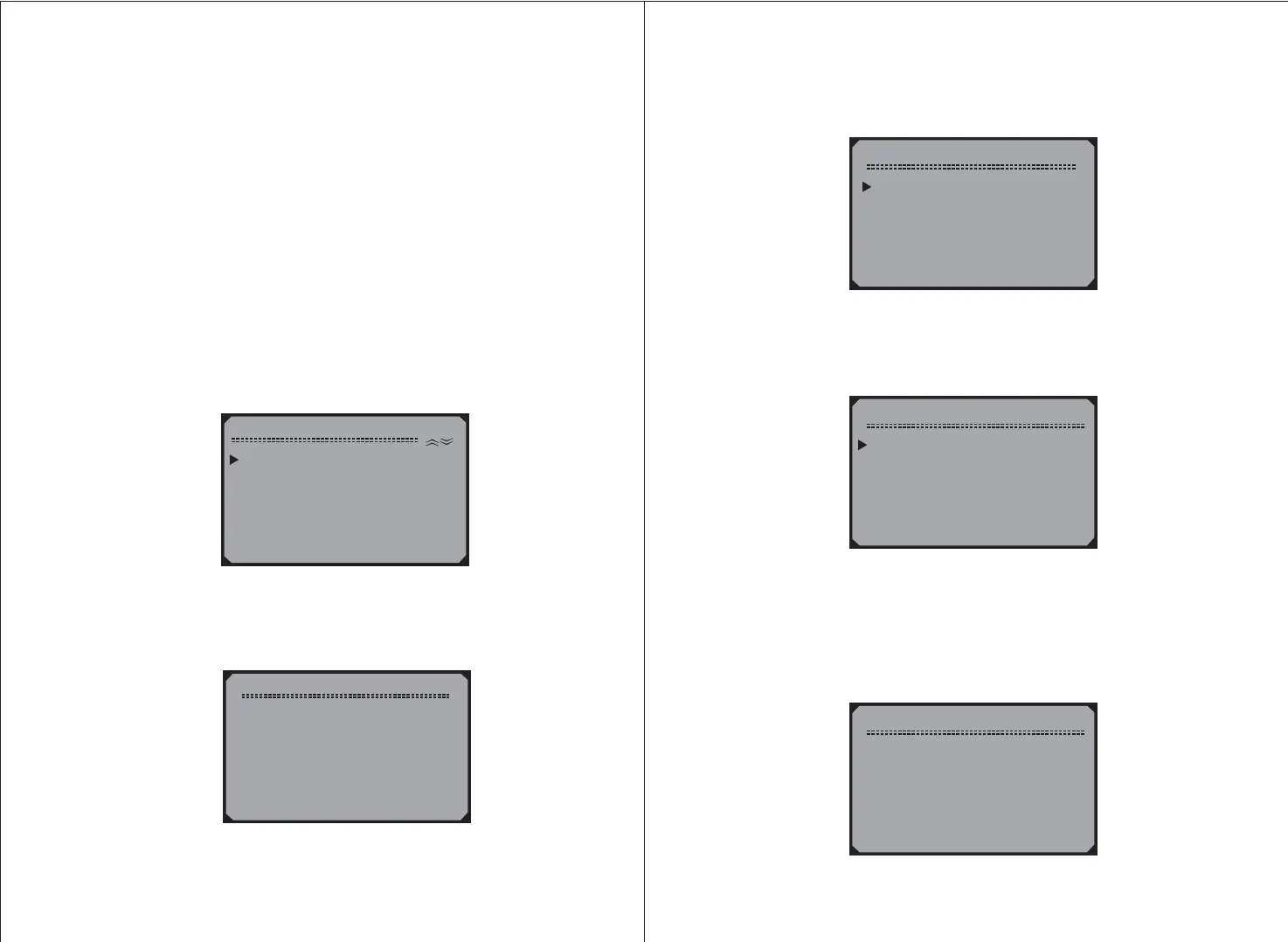
3) From the menu, use the scroll
buttons to select the test to view and press the button.
On-Board Mon. Test UP/DOWN
Y
1) Use the scroll buttons to select desired monitor from
menu and press the button.
UP/DOWN
On-Board Mon.Test Y
2) View the test data on screen.
6) Press the button to return to the previous menus.N
4.7 On-Board Monitor Test
The On-Board Monitor Test is useful after servicing or after
erasing a vehicle
,
s control module memory. The On-Board
Monitor Test for non-CAN-equipped vehicles retrieves and
displays test results for emission-related powertrain components
and systems that are not continuously monitored. The On-Board
Monitor Test for CAN-equipped vehicles retrieves and displays
test results for emission-related powertrain components and
systems that are and are not continuously monitored. Test and
components IDs are determined by the vehicle manufacturer.
1) Use the scroll buttons to select
from the and press the button.
UP/DOWN On-Boatd Mon. Test
Diagnostic Menu Y
2) Wait a few seconds while the Scan Tool validates the PID MAP.



 To Next Page