9
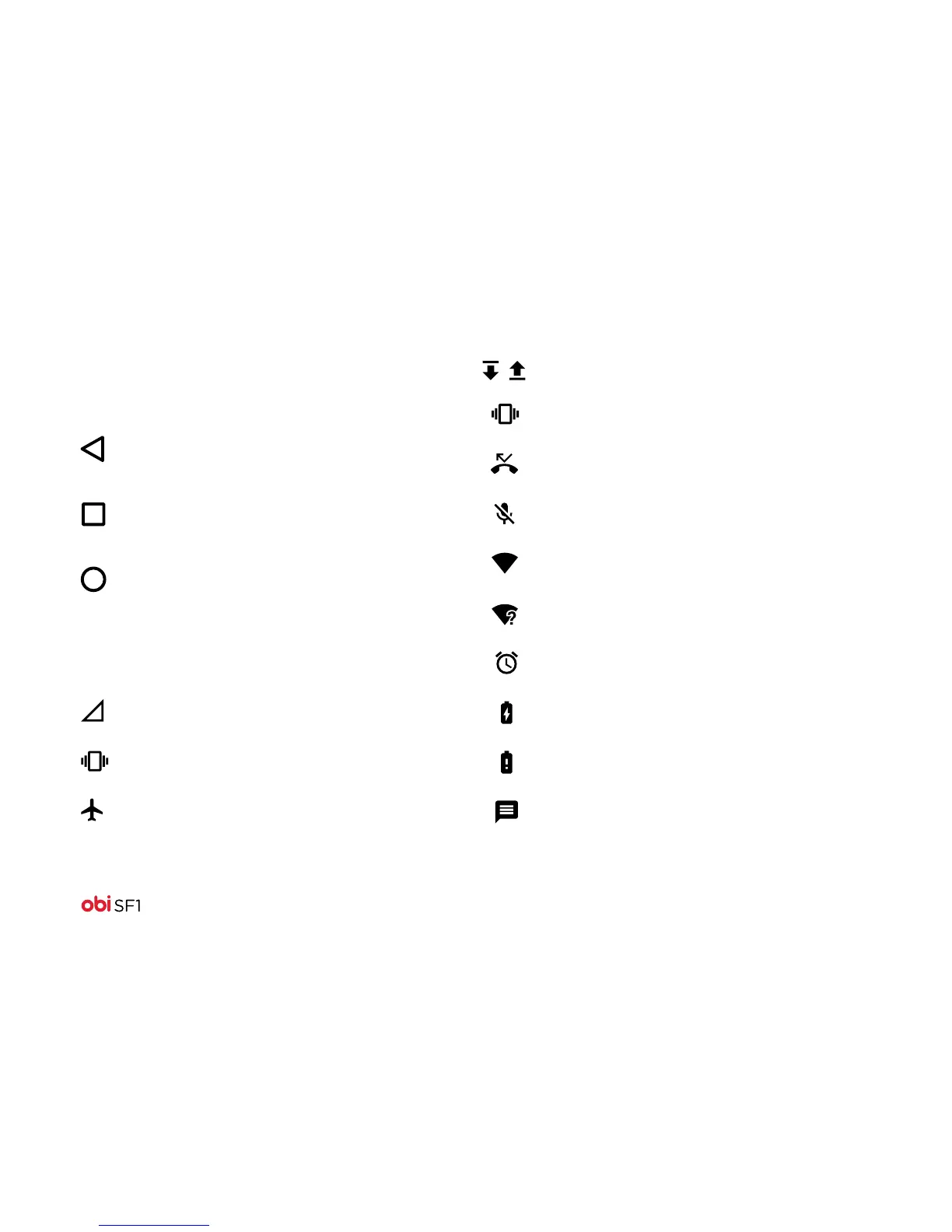
Navigation icons
Icon: What it does:
Status bar icons
Icon: What it means:
Ringer is in silent mode
Missed call
Phone microphone is muted
Connected to a Wi-Fi network
An available Wi-Fi network
Alarm is on
Battery is charging
Battery is very low
New SMS or multimedia message
Downloading/Uploading data
Returns to the previous
screen you were working
in, even if it was in a
dierent application.
Returns to Home screen.
In idle screen, hold it to
access the Google search
application.
Displays recently
accessed apps.
No cellular network signal
Vibrate mode
Airplane mode



 To Next Page