10
616 01 1017 02
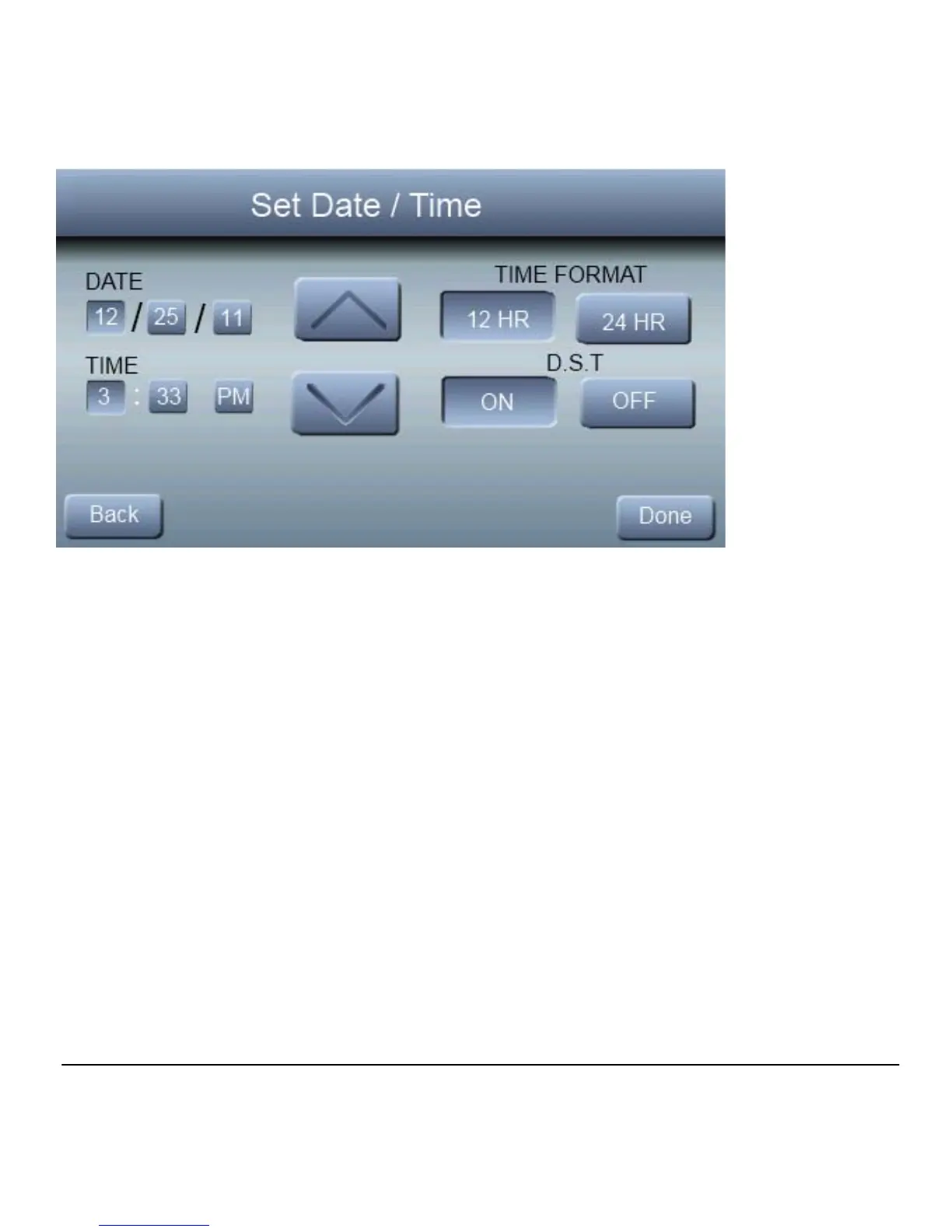
Under date, you can select the month, day, or year buttons;
then use the ▲ and ▼ to select the appropriate date. . Un
der time, you can select the hour, minute, and am/pm; then
use the ▲ and ▼ to select the appropriate time. You also
have the option of selecting between a 12 HR or 24 HR clock
format. Finally, you can choose whether you observe day
light savings time by pressing the ON or OFF button. Press
DONE to save and exit the information that you have
entered.



 To Next Page