56
616 01 1017 02
(i.e. DIP switches on a furnace). All configuration settings
made effective from this menu will override equipment con
figuration made by dip switches. Upon a initial startup dis
covery of the Observer Control, DIP switch settings will be
copied into the setup menu. Any changes can then be made
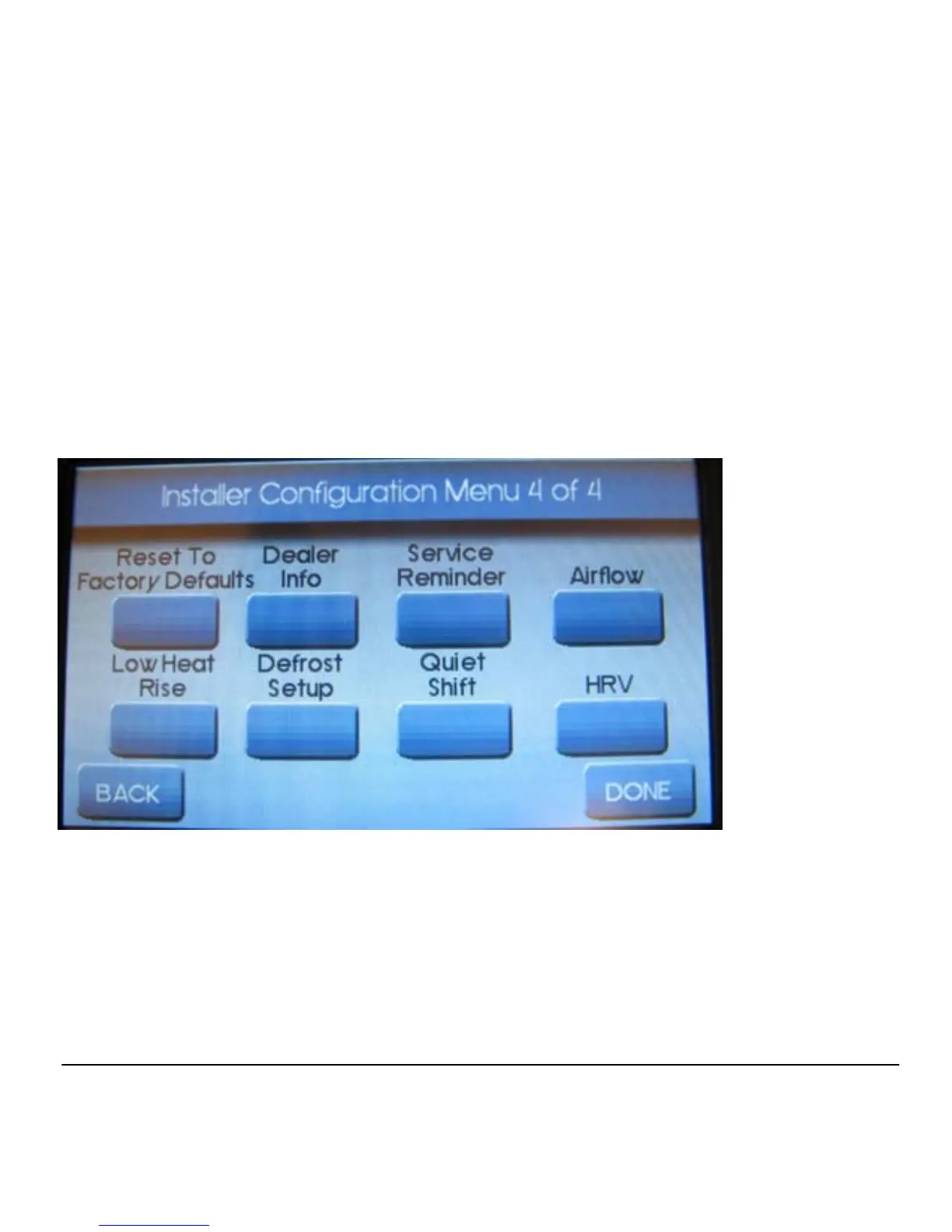
from the Observer Control. The screen below shows a por
tion of the information that can be found in the INSTALLER
SETUP menu.
Main Setup Menu
Auto Mode
When Auto Mode is enabled (factory default) a change from
heat to cool (or vice versa) will not occur until the current
cycle is satisfied and an opposite mode demand has existed



 To Next Page