9
616 01 1017 02
mounted Observer Control, which replaces the conventional
thermostat and provides the homeowner with a single wall
control for all features of the system.
Quick Start
For first time installers, Quick Start will allow a quick start up
of the Observer Control before learning all the details of sys
tem operation. However, for the best possible comfort and
operation refer to the Owner’s Manual.
Set Day and Time
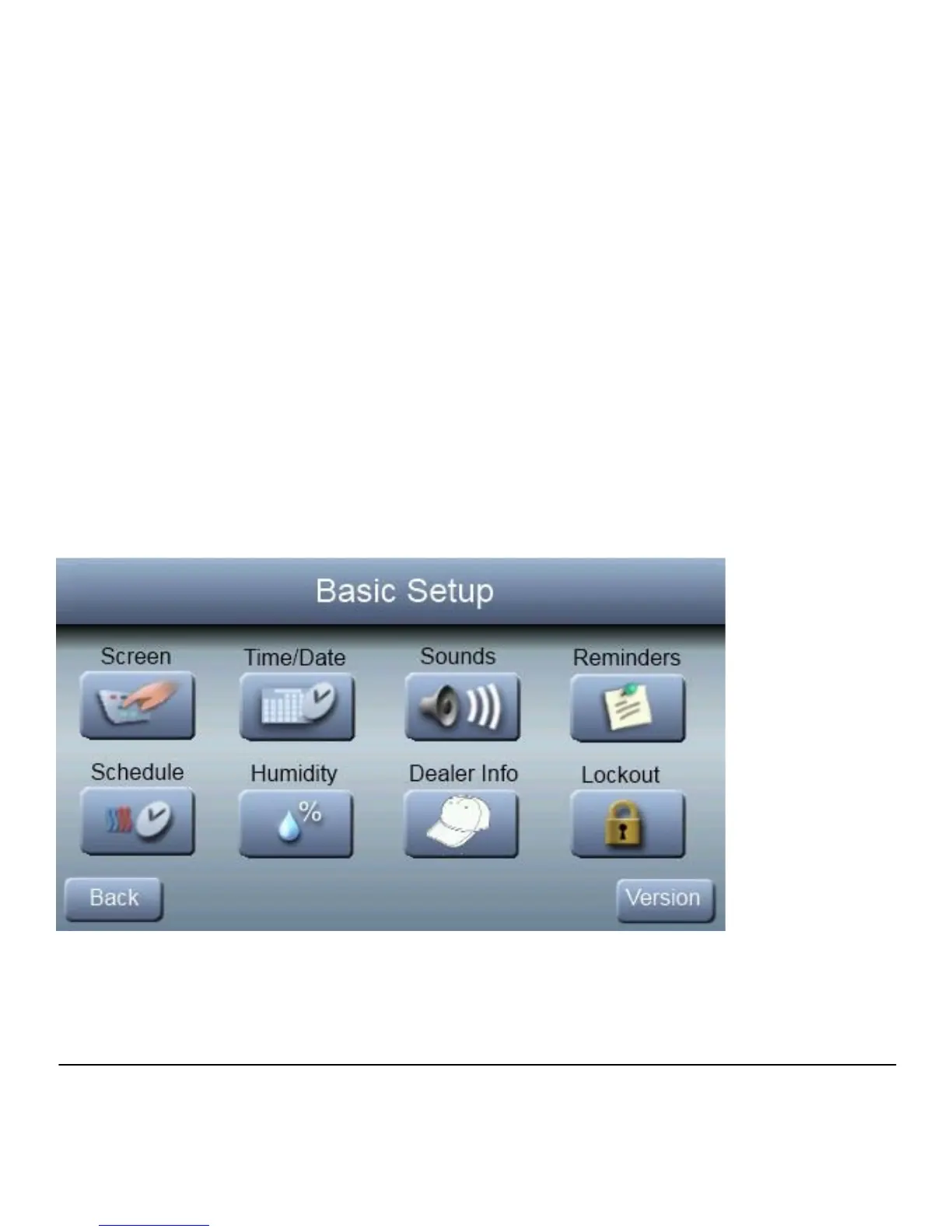
To set the current time and date, press SETUP; then press
TIME/DATE.



 To Next Page