10
61601101901
A14558
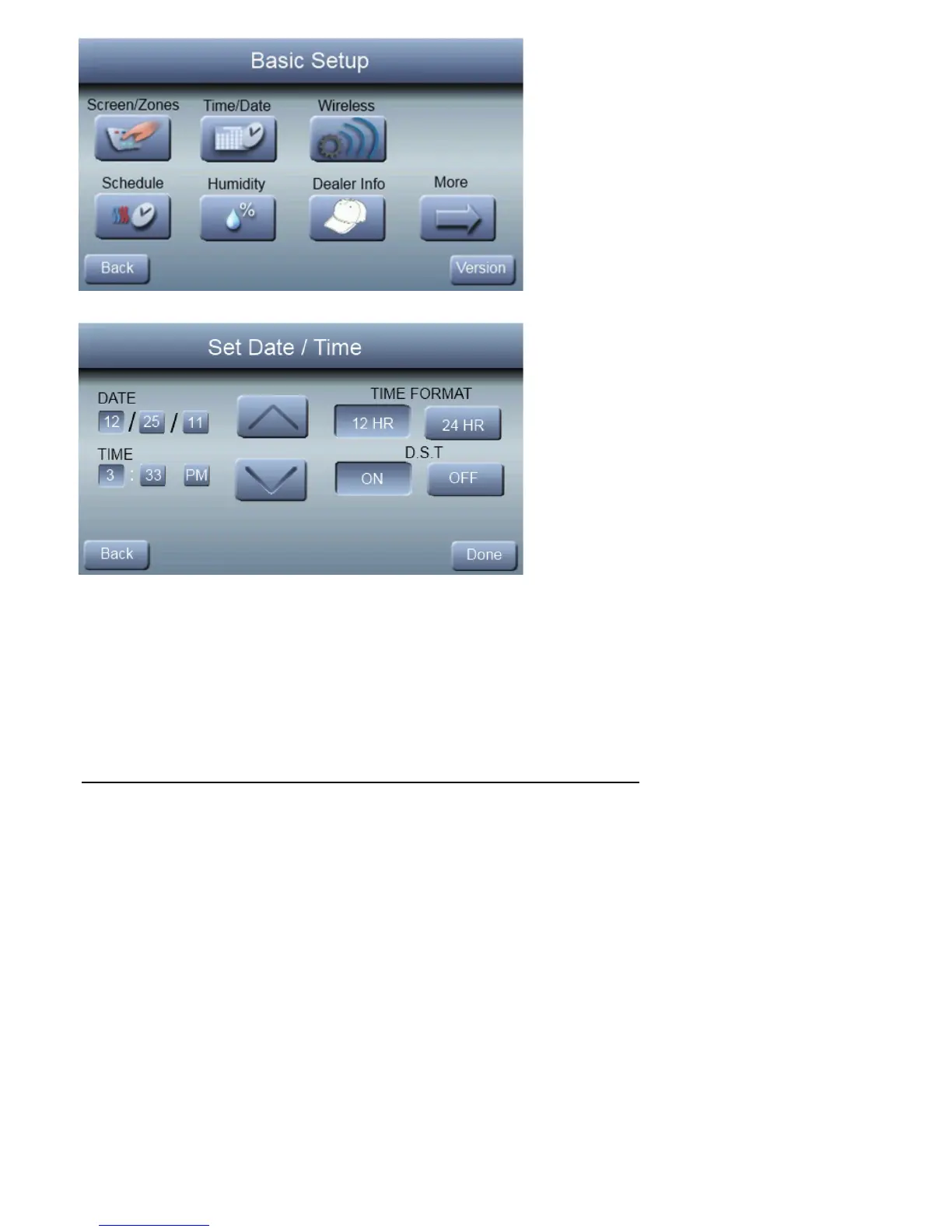
Under date, you can select the month, day, or year buttons;
then use the ▲ and ▼ to select the appropriate date. . Un-
der time, you can select the hour, minute, and am/pm; then
use the ▲ and ▼ to select the appropriate time. You also
have the option of selecting between a 12 HR or 24 HR clock
format. Finally, you can choose whether you observe day
light savings time by pressing the ON or OFF button. Press



 To Next Page