37
616 01 1019 01
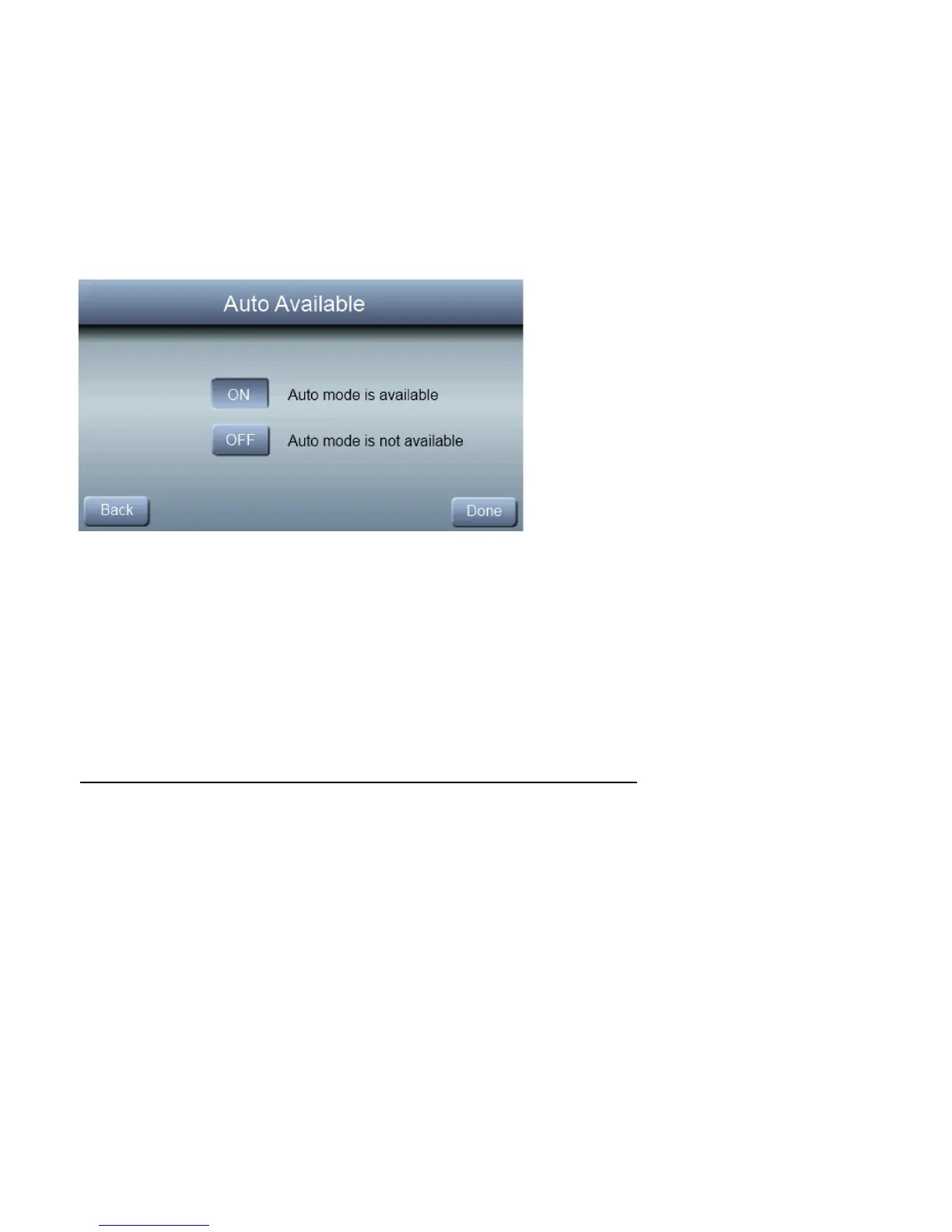
Auto Mode Enable
When Auto Mode is enabled (factory default) a change from
heat to cool (or vice versa) will not occur until the current
cycle is satisfied and an opposite mode demand has existed
for 30 minutes. If the set-point is changed, the 30 minute
timer is deleted.
On – Auto mode is available
Off – Auto Mode is not available
Default = On.



 To Next Page