9
616 01 1019 01
Quick Start
For first time installers, Quick Start will allow a quick start up
of the Observer
®
Control before learning all the details of
system operation. However, for the best possible comfort
and operation refer to the Owner’s Manual.
Set Day and Time
NOTE: See the Owner's manual for instructions on utilizing
Internet time for date and time synchronization.
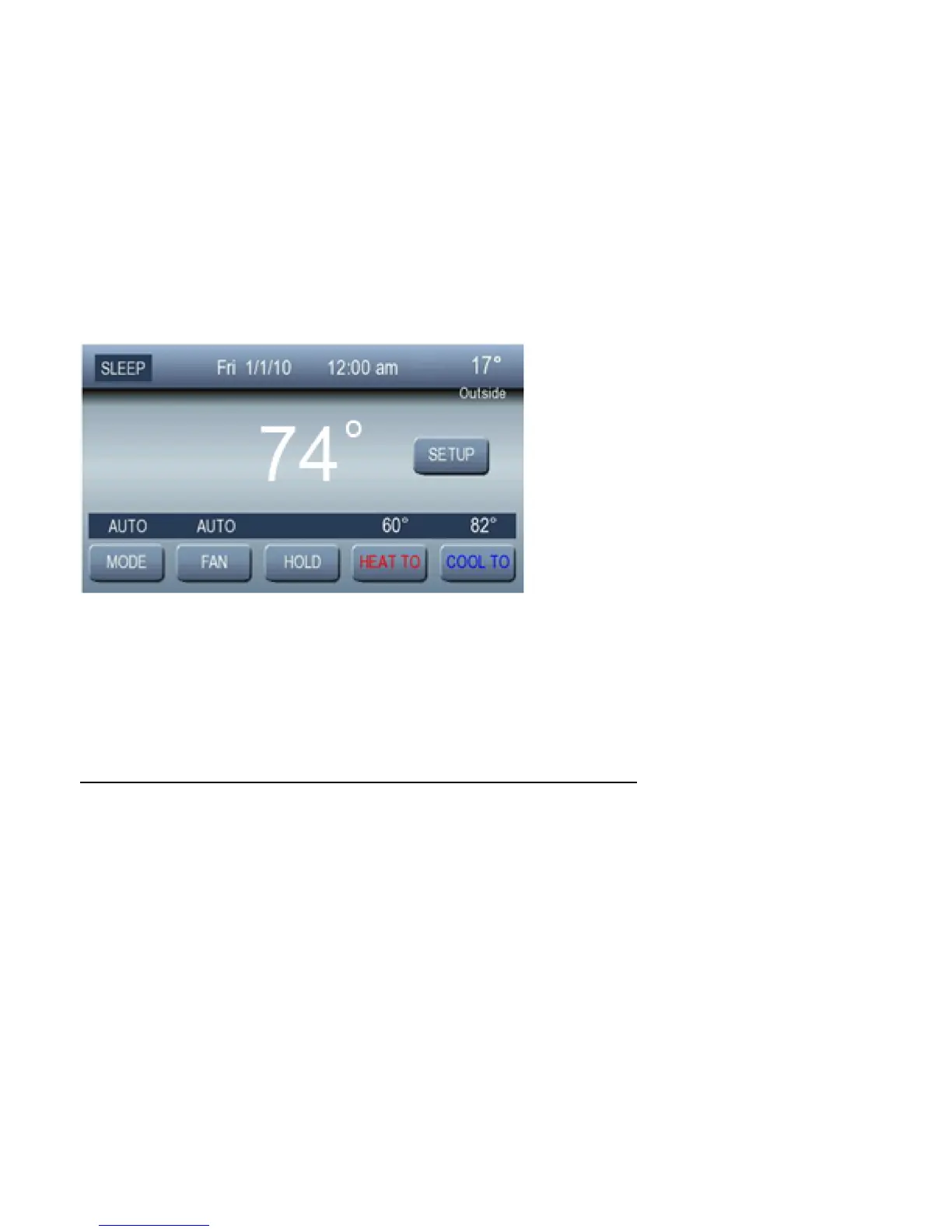
To set the current time and date, press SETUP;thenpress
TIME/DATE.



 To Next Page