57
616 01 1019 01
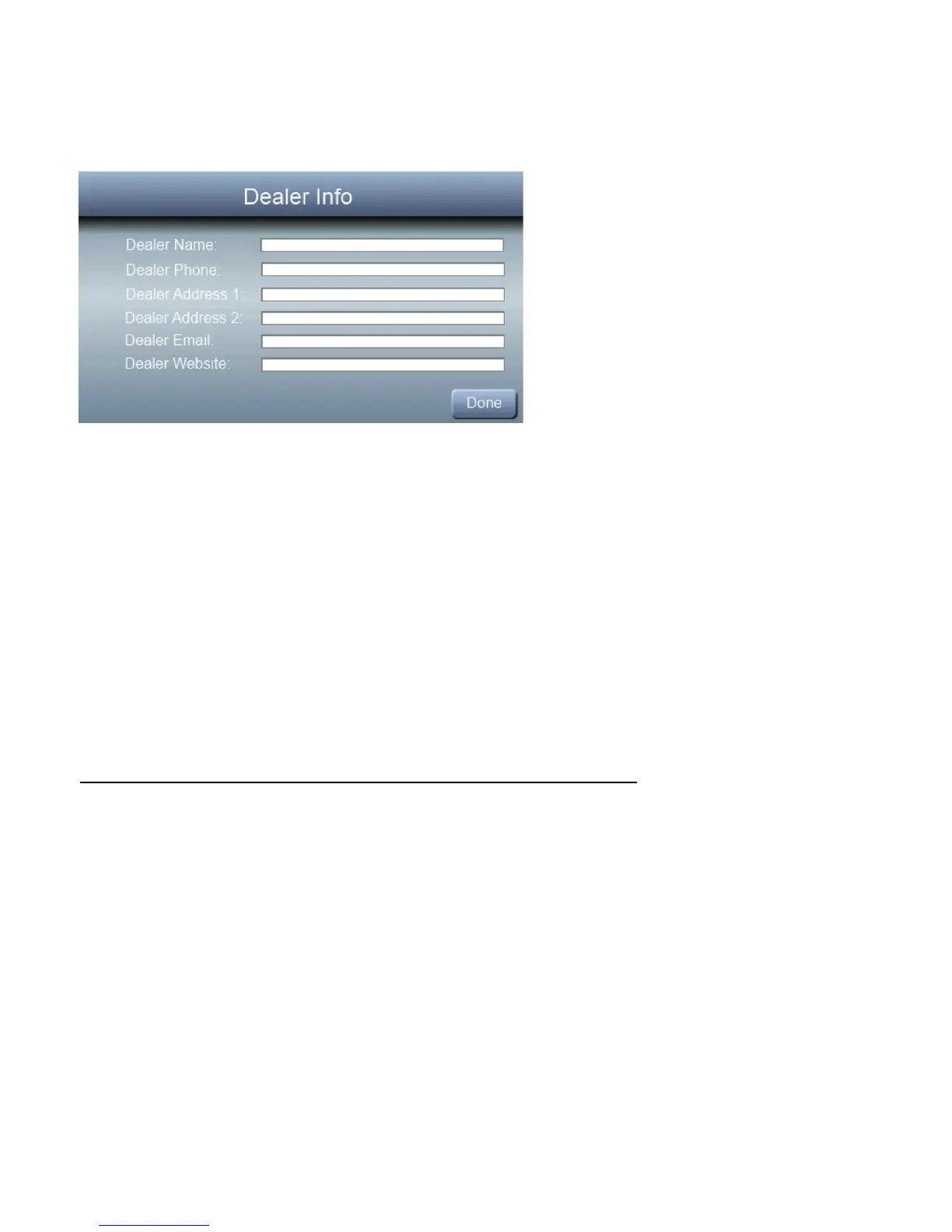
Dealer Info
These screens allow the dealer to input contact information.
The dealer contact information will appear when the user
selects dealer info after service or maintenance reminders
are displayed on the screen.
NOTE: If the dealer inserts their contact information, includ-
ing email address, on this screen, the user has the option to
automatically send email Notifications and Service Re-
minders to the dealer directly from the Observer
®
wall con-
trol.



 To Next Page