26
61601101901
Equipment Summary
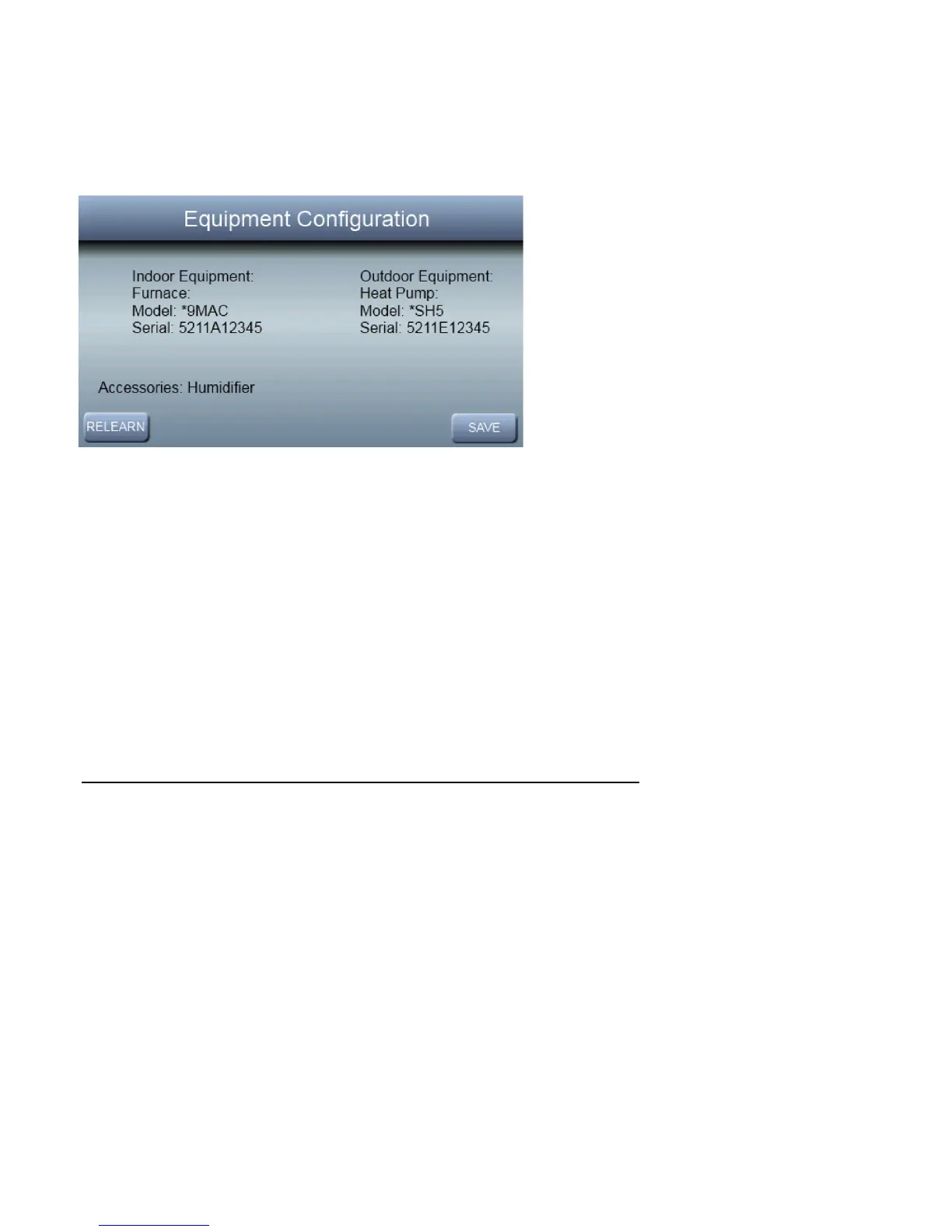
The “ EQUIPMENT CONFIGURATION” screen will appear
after the humidifier screen. This screen will give a summary
of all equipment automatically found or manually selected. If
a wrong selection was made, press RELEARN to go back.
When all of the equipment is correct, press SAVE.
Brand Selection
After the commissioning of the Observer
®
Control, the in-
staller will be prompted to select the appropriate brand. After
the brand selection, or NO LOGO is made, the installer will
have the opportunity to confirm the choice. If the brand se-
lection is correct, press DONE, otherwise press BACK to
select a different brand.



 To Next Page