30
61601101901
on the bottom of the TP-LINK
®
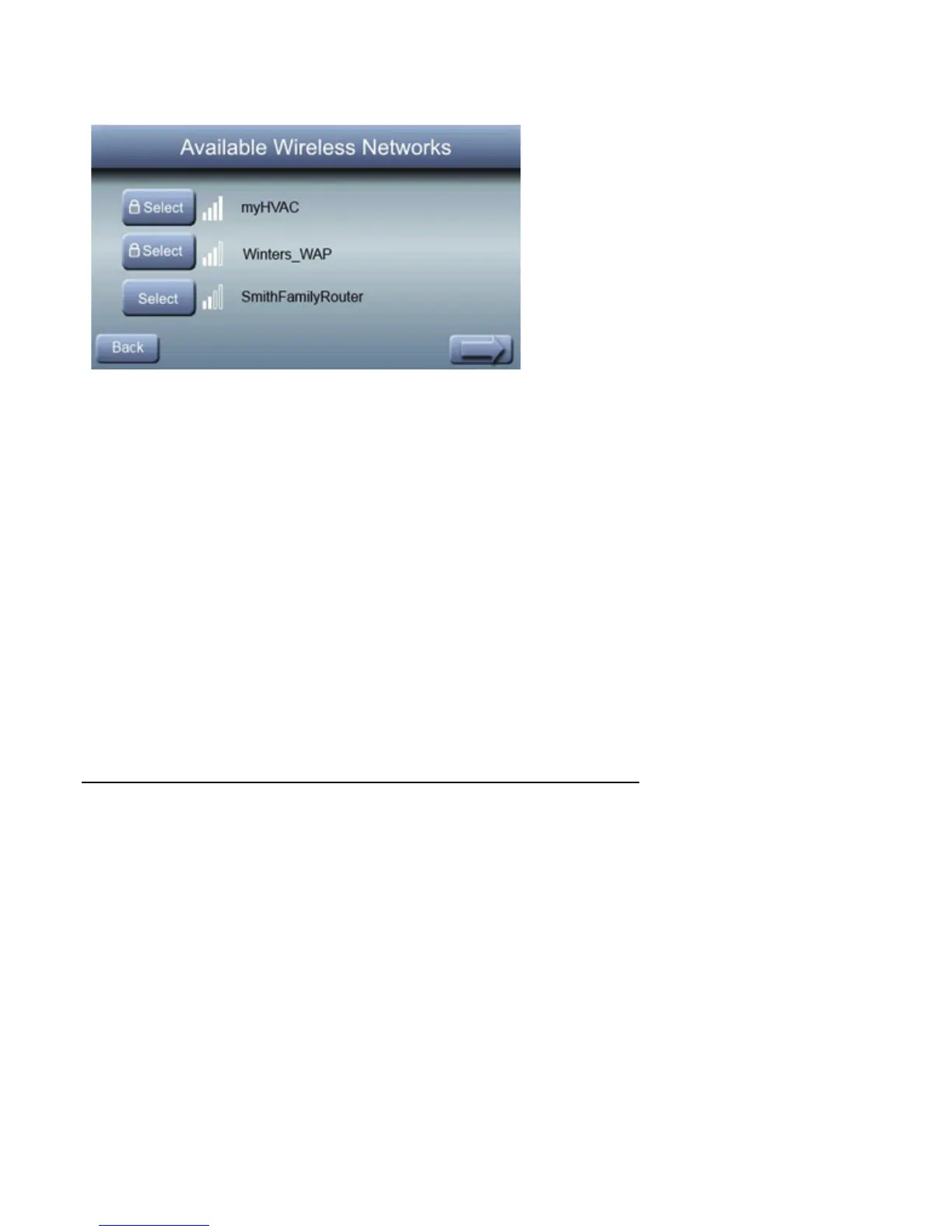
wireless access point). You may
have to use the arrow at the bottom right of the SSID display screen
to scroll to the next screen to find “myHVACxxxxxx”.
A14518
Install/Service Menus –
Communicating and
Non-Communicating Mode
The “INSTALLER CONFIGURATION” menus contain vital
information. This information enables the Installer or Service
person to view a summary of what has been installed, etc.
This information is not covered in the Owner’s Manual.
To enter INSTALLER CONFIGURATION menus, press and
hold the FAN BUTTON for at least ten seconds. The follow-
ing menu will appear: (If an item is grayed out, that item is
not applicable to the equipment configuration selected – for
example, reversing valve will be grayed out if a standard AC
system is selected).



 To Next Page