58
61601101901
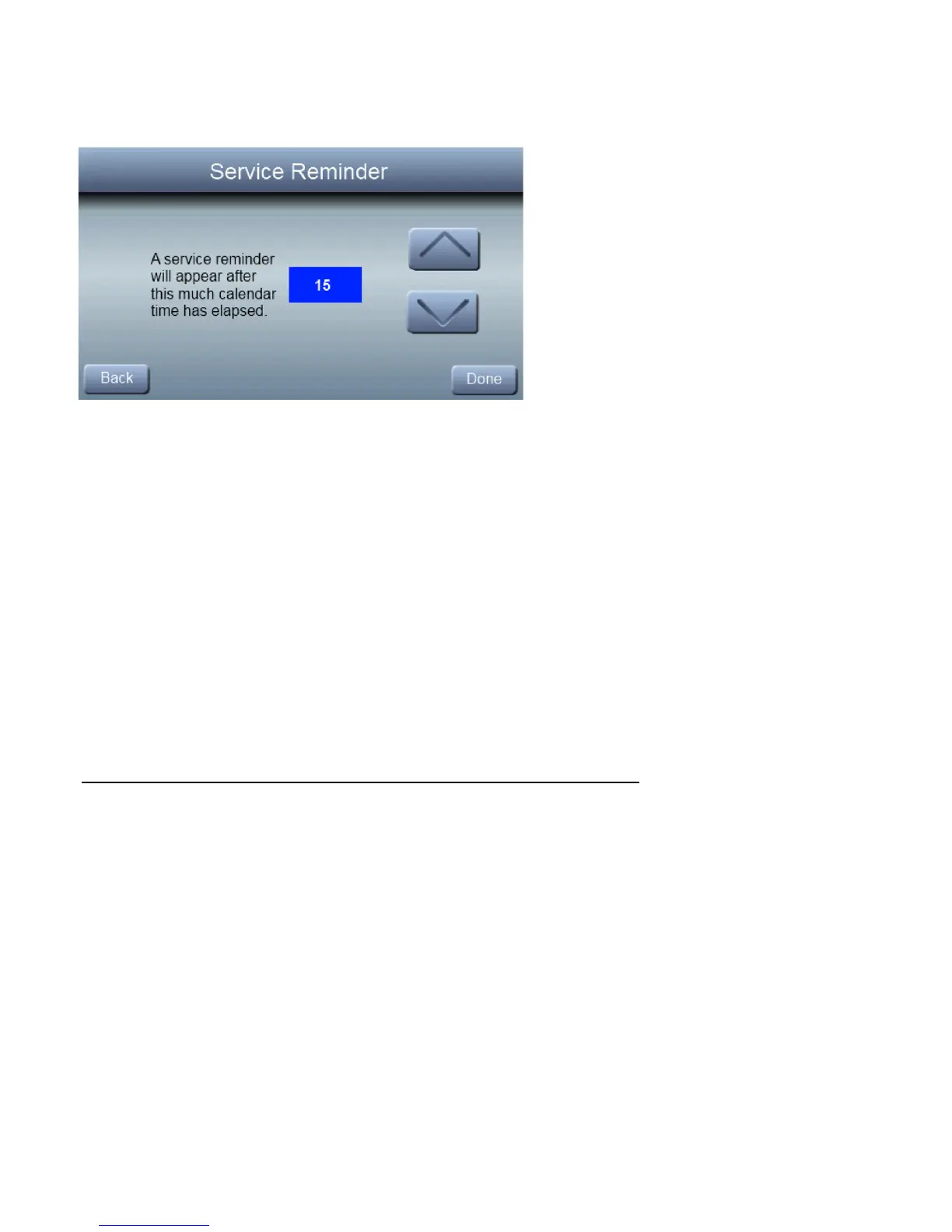
Service Reminder
This setup is used t o adjust the timer interval in which the
normal System Maintenance notification is turned on for the
homeowner.
0 to 24 months (1 month increments)
Default = 12 months
Install/Service Menus –
Communicating Equipment Only
Setup Menu
This menu has several layers, allowing modification of equip-
ment settings. No settings will need to be made at equipment
(i.e. DIP switches on a furnace). All configuration settings
made effective from this menu will override equipment con-
figuration made by dip switches. Upon a initial startup dis-
covery of the Observer
®
Control, DIP switch settings will be
copied into the setup menu. Any changes can then be made
from the Observer Control. The screen below shows a por-



 To Next Page