CS9350 User’s Guide
4-85
If a large amount of data is saved on the printer, the operation panel may not return to
Normal by a single [Cancel] key operation.
In such cases, wait for a few seconds and press the [Cancel] key again.
4.3.3 Cutting media
If Media ejection mode is set to “Cut”, the printer cuts the media automatically after printing.
5.1.6 Output Mode menu
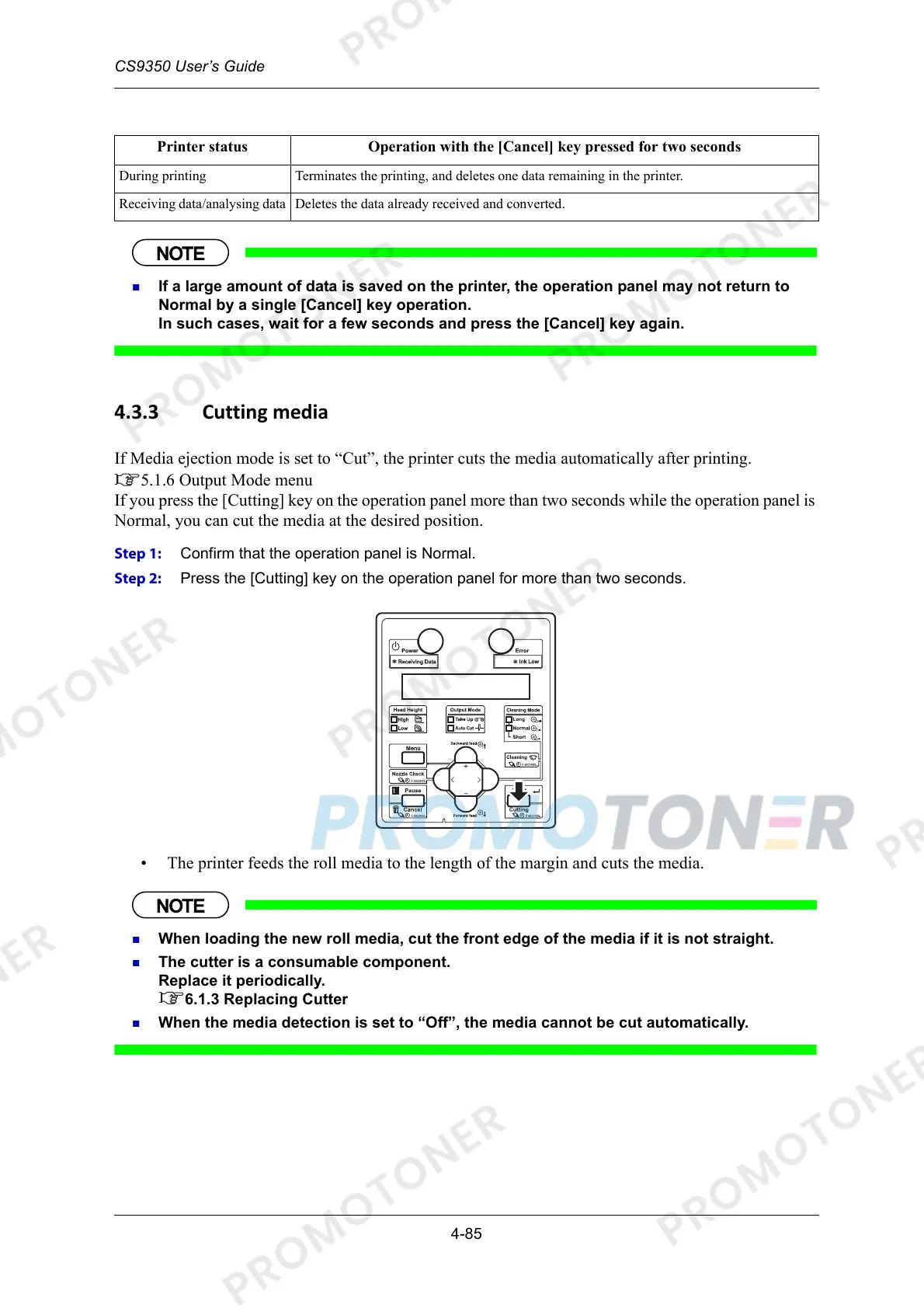
If you press the [Cutting] key on the operation panel more than two seconds while the operation panel is
Normal, you can cut the media at the desired position.
Step 1: Confirm that the operation panel is Normal.
Step 2: Press the [Cutting] key on the operation panel for more than two seconds.
• The printer feeds the roll media to the length of the margin and cuts the media.
When loading the new roll media, cut the front edge of the media if it is not straight.
The cutter is a consumable component.
Replace it periodically.
6.1.3 Replacing Cutter
When the media detection is set to “Off”, the media cannot be cut automatically.
Printer status Operation with the [Cancel] key pressed for two seconds
During printing Terminates the printing, and deletes one data remaining in the printer.
Receiving data/analysing data Deletes the data already received and converted.



 To Next Page