CS9350 User’s Guide
4-89
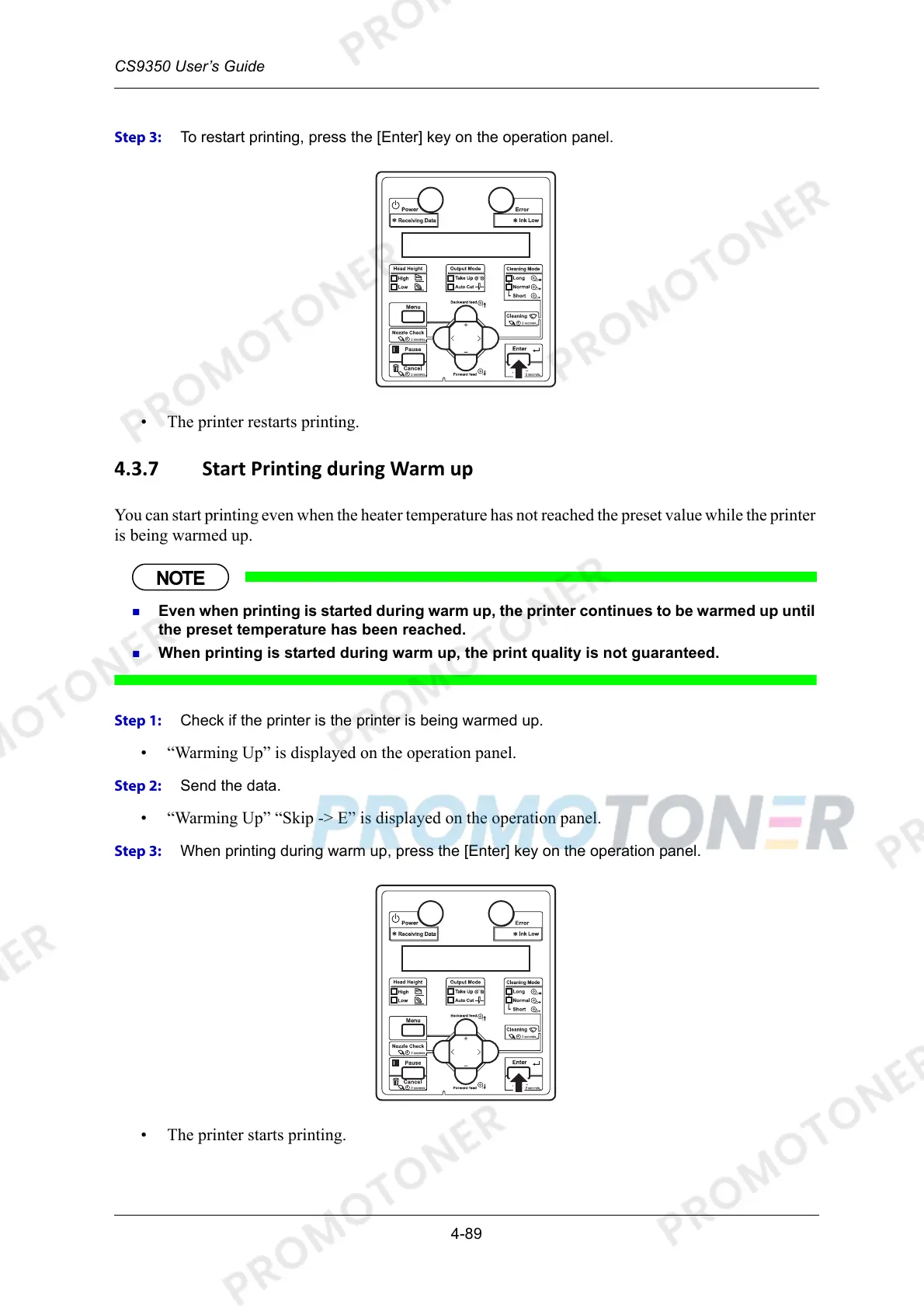
Step 3: To restart printing, press the [Enter] key on the operation panel.
• The printer restarts printing.
4.3.7 Start Printing during Warm up
You can start printing even when the heater temperature has not reached the preset value while the printer
is being warmed up.
Even when printing is started during warm up, the printer continues to be warmed up until
the preset temperature has been reached.
When printing is started during warm up, the print quality is not guaranteed.
Step 1: Check if the printer is the printer is being warmed up.
• “Warming Up” is displayed on the operation panel.
Step 2: Send the data.
• “Warming Up” “Skip -> E” is displayed on the operation panel.
Step 3: When printing during warm up, press the [Enter] key on the operation panel.
• The printer starts printing.



 To Next Page