Section 7 COPIER MANAGEMENT FUNCTIONS
7-37
(7) Making copies when copy management is turned
ON
When copy management is turned ON, copying will only be possible
when a valid department ID-code is entered.
IMPORTANT!
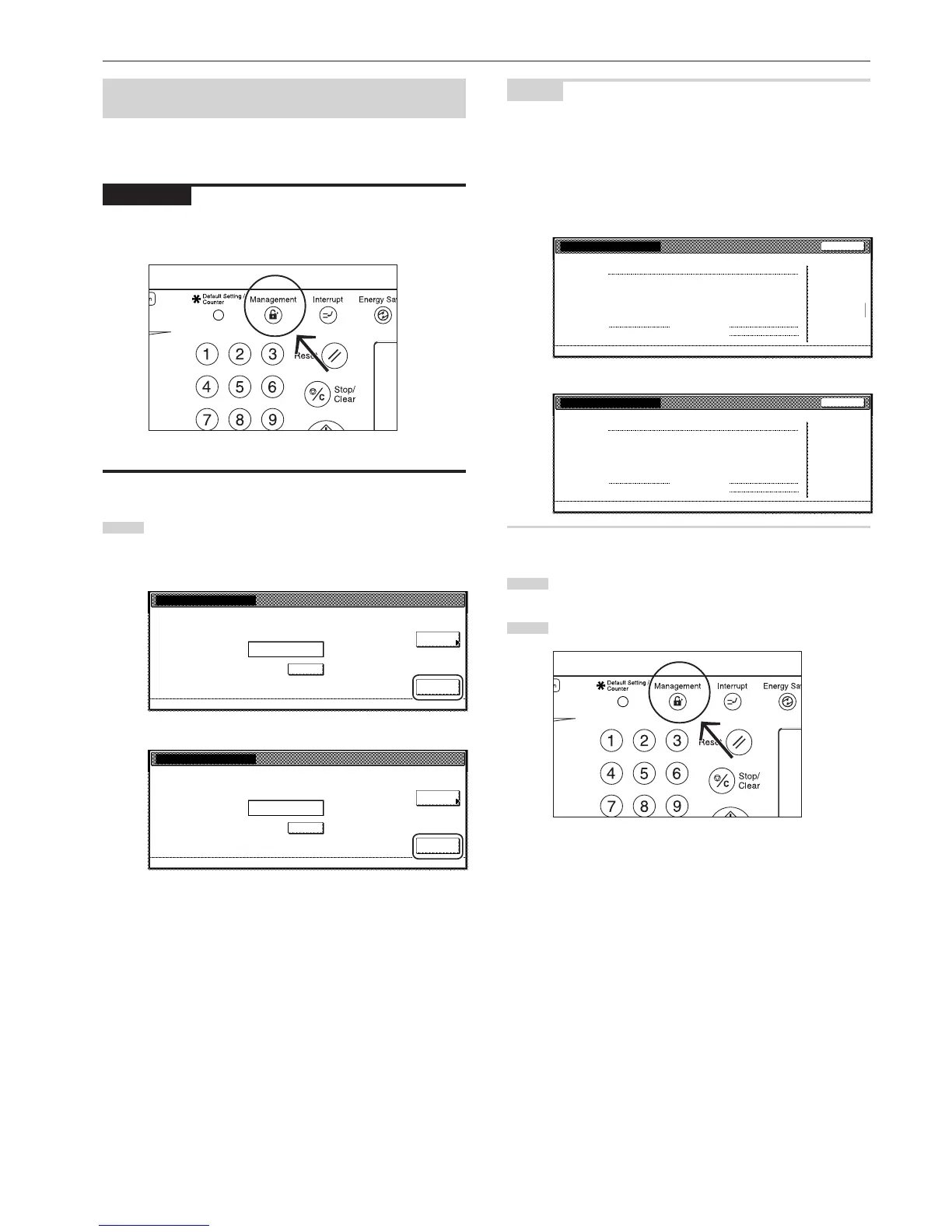
Once you are finished copying, BE SURE to press the [Management]
key so that the “Enter ID-code” screen is displayed again.
1
Use the numeric keys on the keypad to enter your
department ID-code, and then touch the “Enter” key.
The “Basic” screen will be displayed.
Inch specifications
Clear
Enter
Each Mgt.
Total
Enter ID-code.
****
Metric specifications
Clear
Enter
Each Mgt.
Total
Enter ID-code.
****
NOTES
• If you enter the wrong ID-code, touch the “clear” key and reenter the
correct ID-code.
• If an invalid (unregistered) department ID-code is entered, an error
alarm will sound. Enter the correct ID-code.
• If you enter your department ID-code and touch the “Each Mgt.
Total” key, you can check the copy counts for your own department.
Inch specifications
2
Perform the desired copy operation as usual.
3
Once you are finished copying, press the [Management] key.



 To Next Page