Make a print with the Océ WPD driver
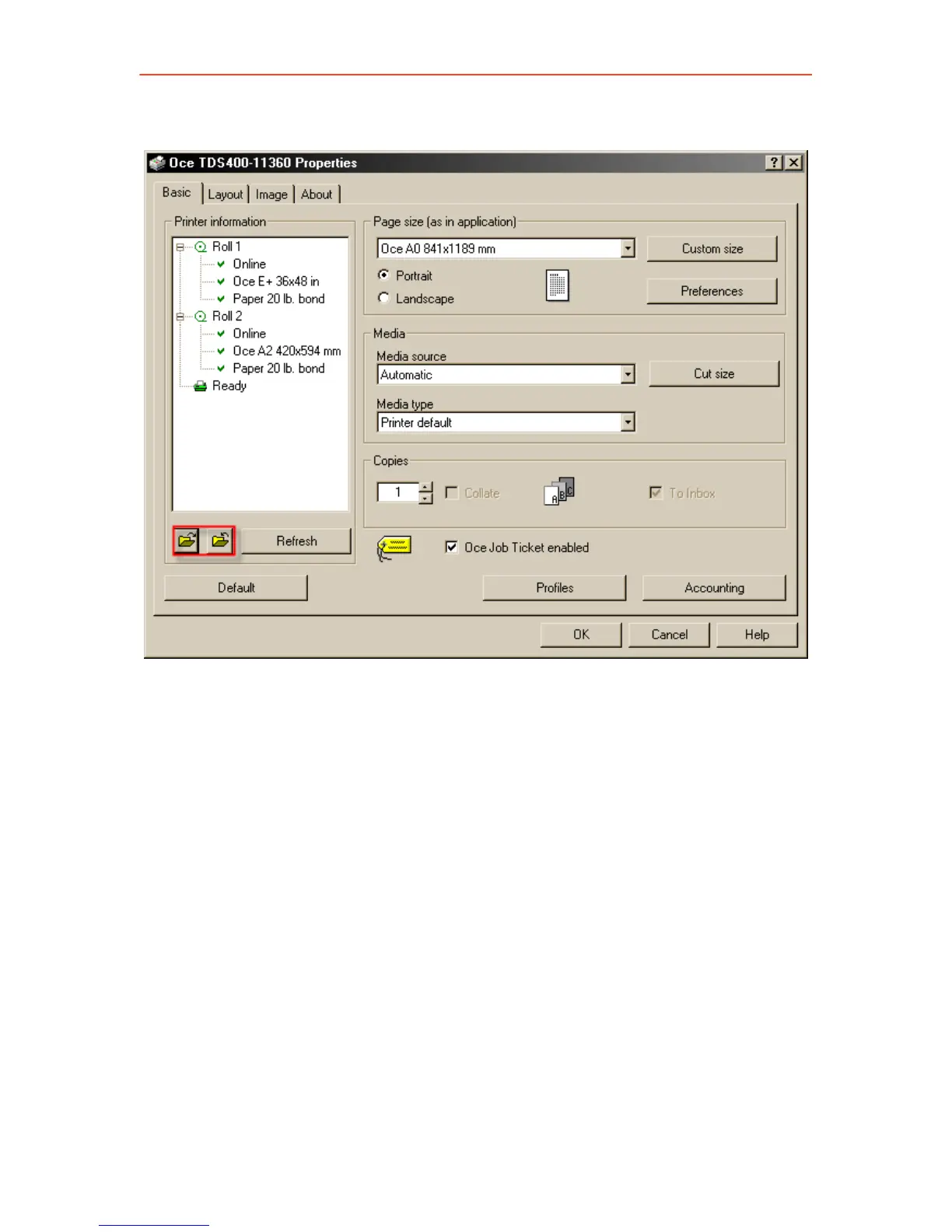
3. Click the ‘Properties’ button. The following window opens:
4. Click the indicated buttons to show / hide the loaded material and the
printer status in the left panel.
5. If necessary, change the settings on the ‘Basic’ tab or on the ‘Layout’,
‘Image’ or ‘Finishing’ tab.
6. Use Custom Size when you want to specify a special page size.
7. Use Profiles to save or reload your settings.
8. Click ‘OK’ to close the ‘Properties’ window.
9. Click the ‘Print’ button (or OK button) in the application’s printer
window to send your job to the Océ TDS450.
23



 To Next Page