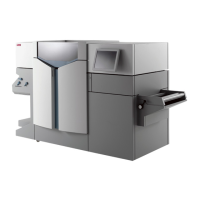
Add toner
Add toner
Introduction
If the ‘Refill toner’ message appears on the printer panel, you must refill
toner immediately.
Attention: Use only Océ B5 toner.
How to add toner
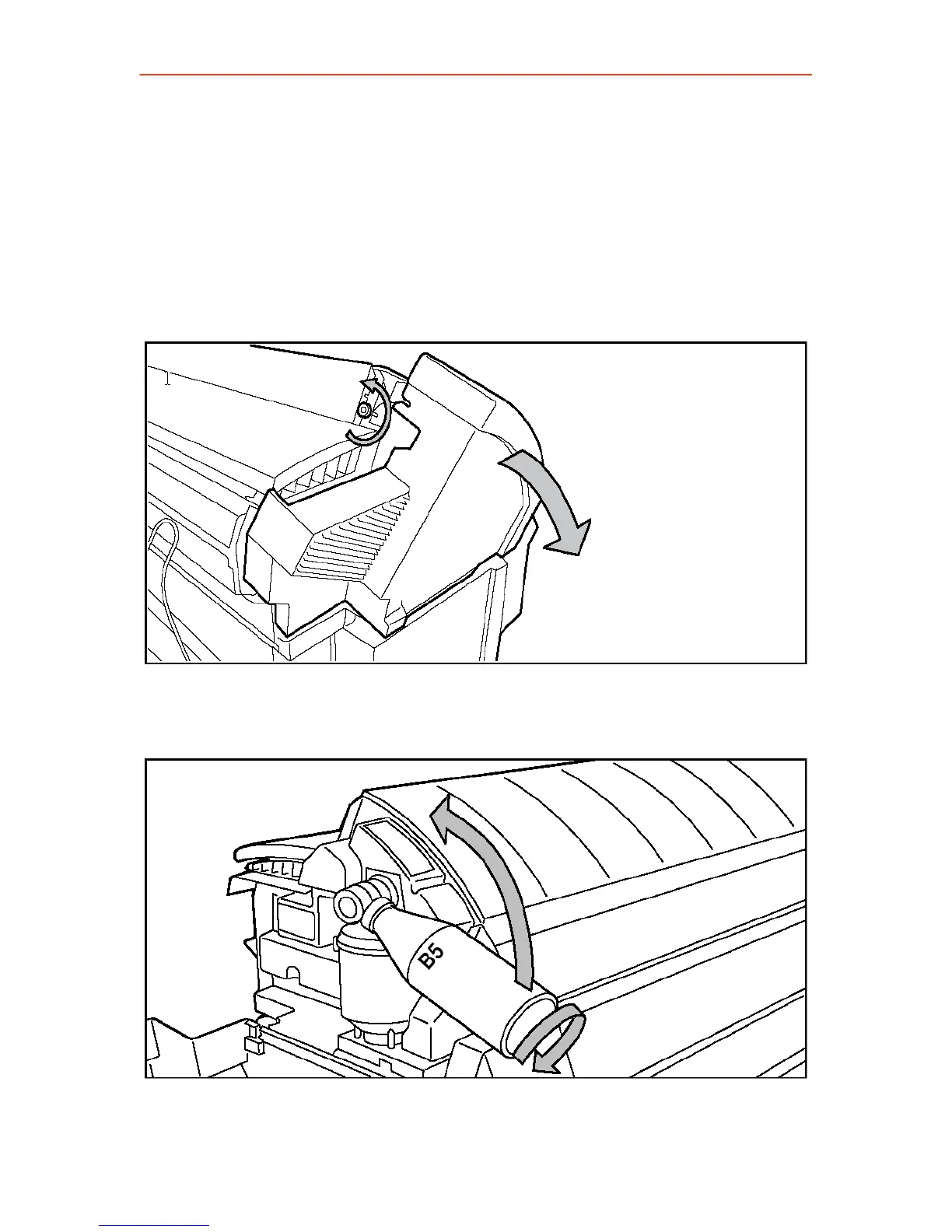
1. Unscrew the knurled nut at the left hand side of the printer and open
the left cover
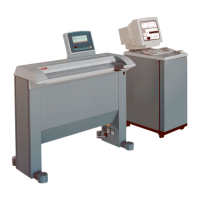
2. Shake the toner bottle thoroughly and open the bottle.
3. Screw in the bottle clockwise in a slanted position.
4. Move the toner bottle to a vertical position.
38



 To Next Page