Make a basic scan-to-file job
Make a basic scan-to-file job
Introduction
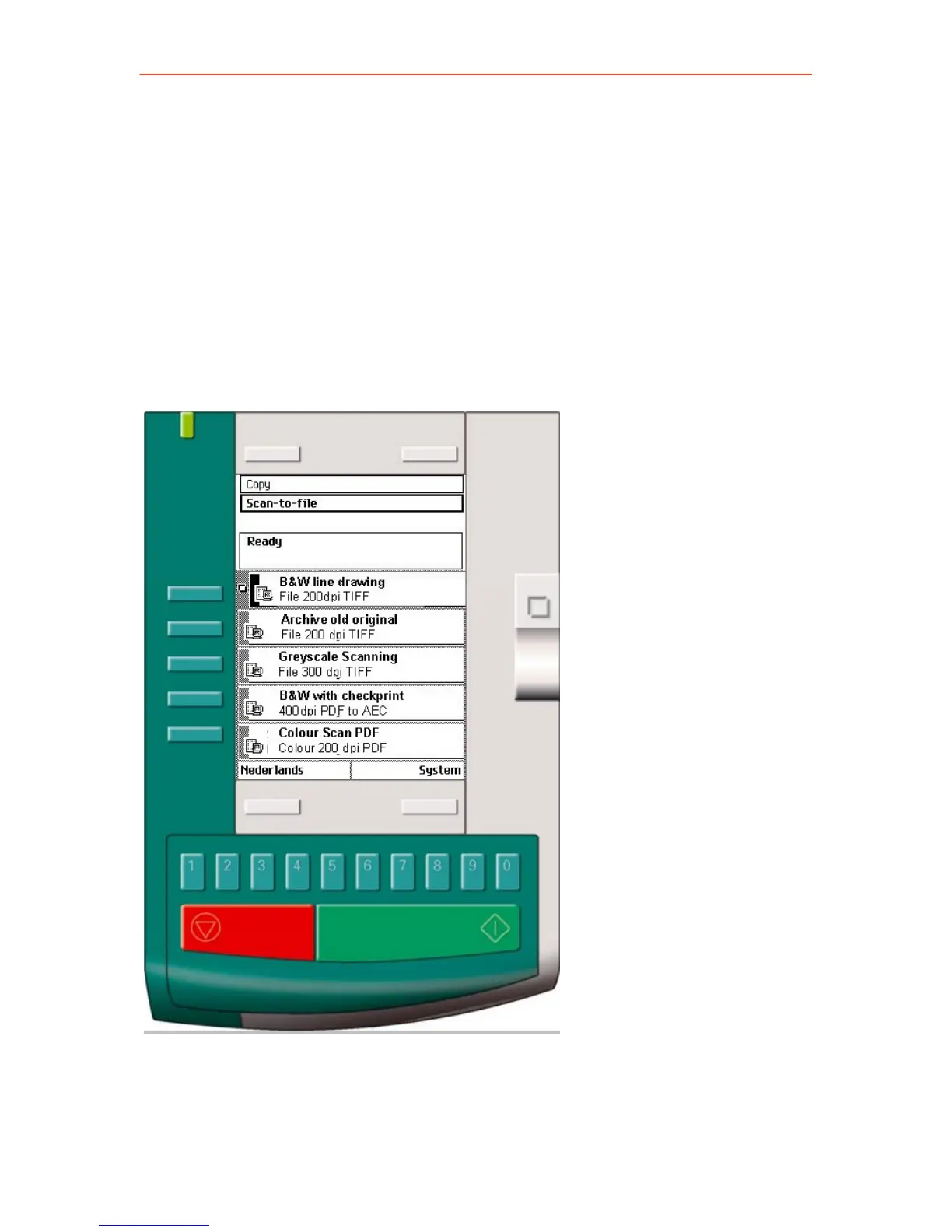
A basic scan-to-file job takes three steps. Feed the original, select 'Scan-
to-file' and press the start key. When you select 'Scan-to-file', the
scanner operator panel shows five scan-to-file job templates. The scan-
to-file job templates provide access to the different settings per scan-to-
file job template. When you select a scan-to-file job template, the
scanner operator panel shows the top 5 settings of the selected scan-to-
file job template. The top 5 settings are the most often used settings. You
can define the top 5 settings and their values for each scan-to-file job
template with the Océ Settings Editor. You can use the scroll wheel to
see the other settings. After you start a scan-to-file job, you can manage
your jobs from the Océ Queue Manager.
28



 To Next Page