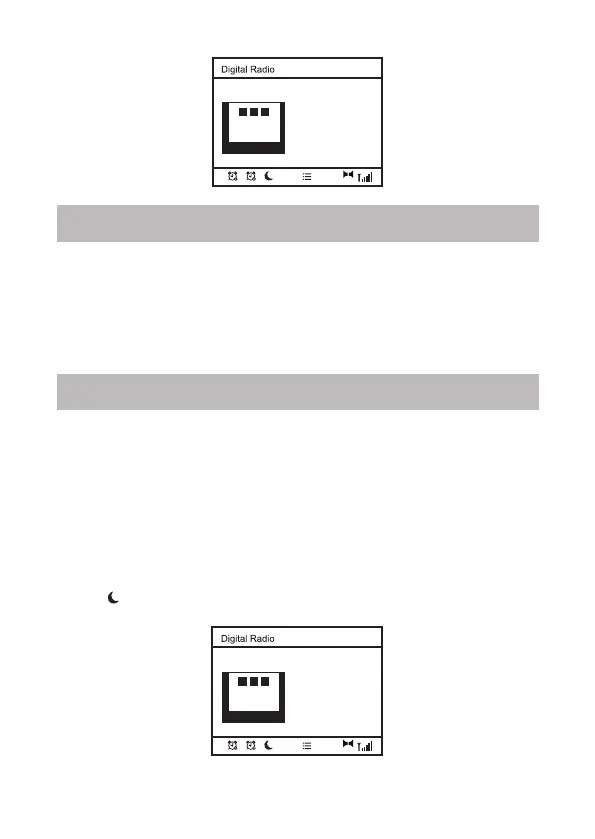
1. To recall the preset list, press the <Recall> button and it will display
the list of the presets you have saved.
2. Alternatively, you can press a specific number to recall a specific
radio station.
Sleep Timer
The radio will turn off by itself after a selected time frame is due.
1. Press <Sleep> button on your remote control. Press it repeatedly to
cycling through the timer option available from15 minutes, 30
minutes, 45 minutes, 60 minutes, 90 minutes or OFF.
Press the <Select> button to confirm your choice. The radio will turn
to standby when the time is due.
2. If you wish to cancel the sleep timer, choose “OFF” from the sleep
timer option.
3. The timer will display at the bottom of the playing screen.
11:33
34 RTHK BBC(WS)
PARIS-Min.20°C
Max.32°C FINE
WORLD
SERVICE
B CB
6
29
Preset Recall
11:33
34 RTHK BBC(WS)
PARIS-Min.20°C
Max.32°C FINE
WORLD
SERVICE
B CB
6
29
29
‒ 11 –













 To Next Page