Getting started
1. Connect the AC adaptor supplied in the package to the DC jack at
the rear side of the radio.
2. To get the best reception, place the radio near a window.
3. Connect your external powered speaker to the Aux-out jack on the
radio.
4. Plug in the wire antenna supplied in the package to the ANT jack.
5. Extend the wire to the fullest to get the best reception.
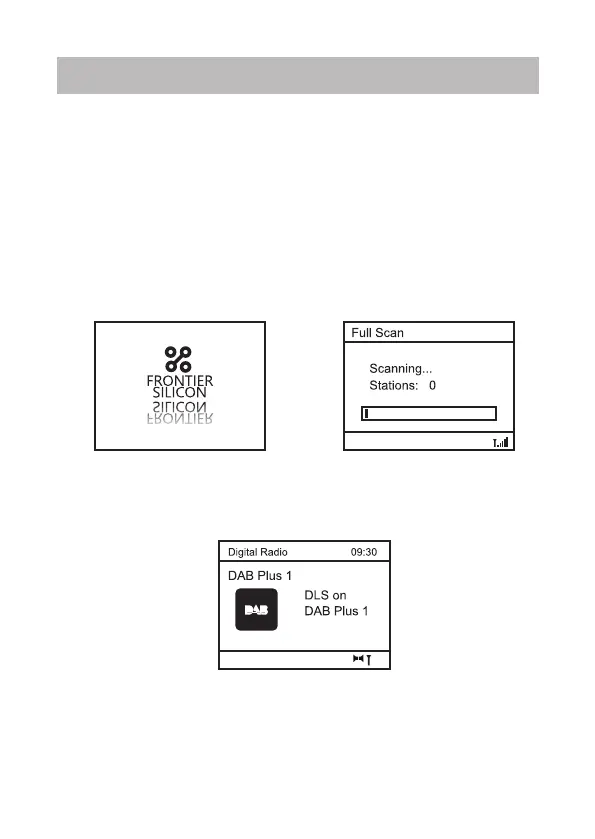
6. Switch the radio on using the Power on/off switch. The radio will
power up and the display on the front will light up and display as follow.
The radio will start in DAB mode by default and followed by a full scan of
the radio stations.
7. If there is problem on reception, try moving the antenna around or
different direction to improve the reception.
8. When the scan is completed, the first station (alphabetically) will
begin to play.
9. The date and time will update from DAB or FM data by default
depends on which mode is using.
10. Press the <Power> button and the radio will go into standby. It
displays the current date and time if time has been set.
‒ 3 –













 To Next Page