4: Using NeoFox Sport
36 013-20000-009-02-201510
Select Accept to save your settings or Cancel to discard them.
Displays sensor information: module ID, FPGA, controller and PCB revision level.
Setting Up the NeoFox Sport
Before using the NeoFox Sport in the field, you must download the appropriate sensor calibration to the
NeoFox device. This must be done with your NeoFox device connected to a computer.
► Procedure
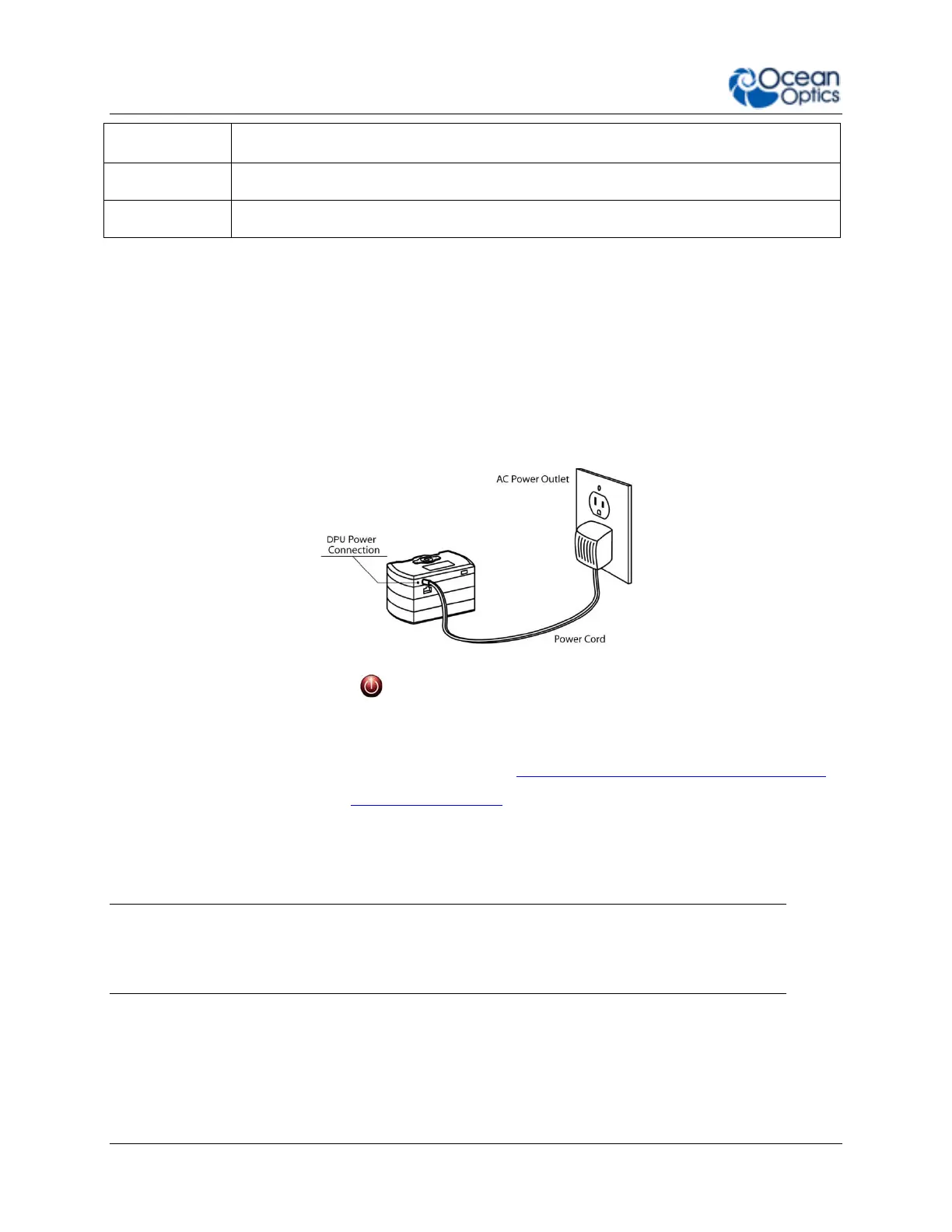
1. Connect the power supply to the DPU power jack (not the NeoFox auxiliary power jack).
2. Press the red power button ( ) to turn the device on.
3. Connect the USB cable between the USB port on the NeoFox module (not the DPU) and the
computer.
4. Start the NeoFox Viewer software. See Chapter 3: Using NeoFox with NeoFox Viewer Software.
5. Perform a calibration. See Calibrating the Probe.
6. Select the sensor type as appropriate.
7. Verify that the calibration has been downloaded to memory by cycling power to the device and
then taking a measurement.
Note
Once you are in the field, you will not be able to update this calibration. However, you will be
able to do a Single Point Reset.



 To Next Page