3: Using NeoFox with NeoFox Viewer Software
013-20000-009-02-201510 25
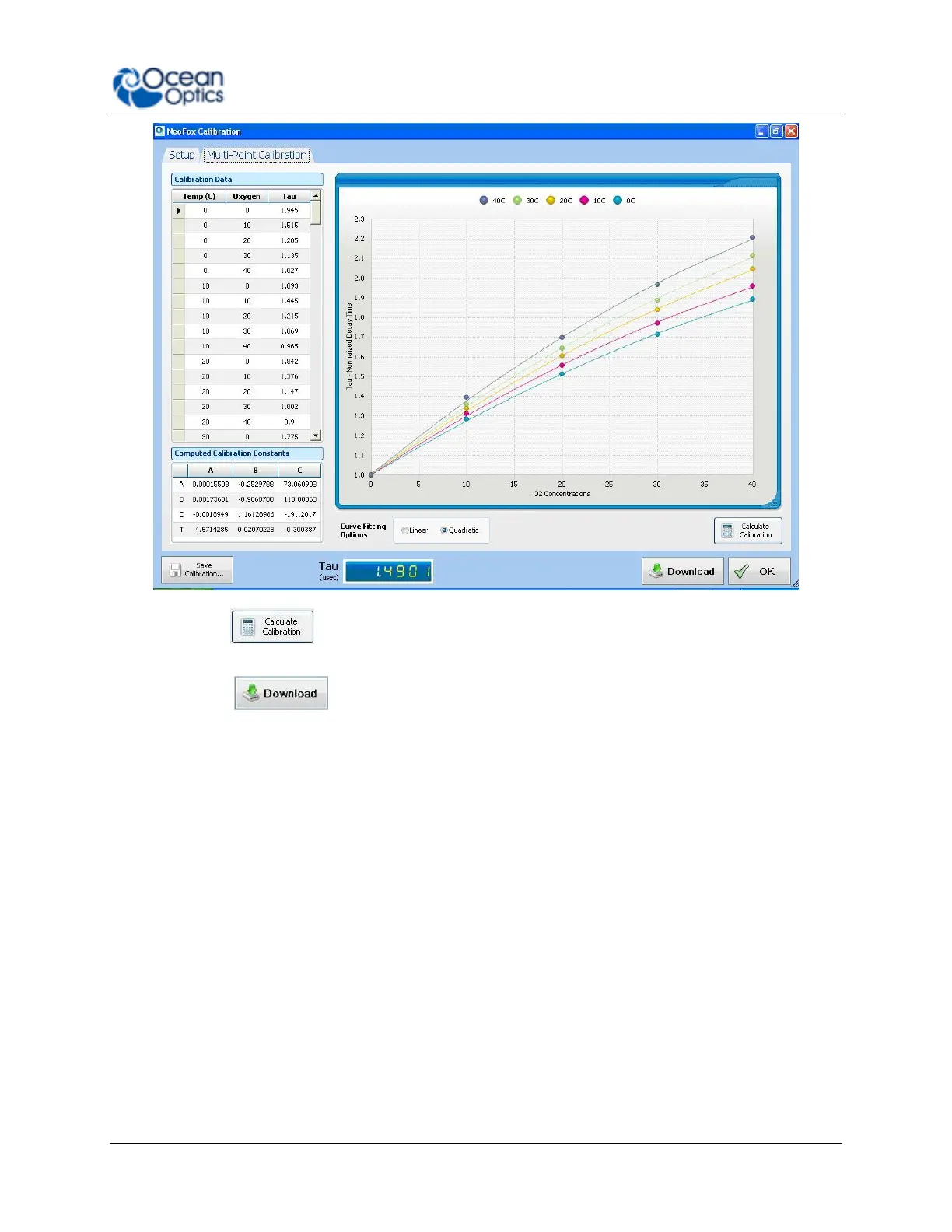
8. Click on button on the bottom right corner of the screen. The Computed
Calibration Constants table fills in on the bottom left corner of the screen.
9. Click the button to use the coefficients for oxygen calculation. A Download
Confirmation screen appears.
10. Click Yes to confirm the download and continue.
Two-Point Calibration
If you want to do your own calibration instead of using a factory calibration, follow these Two-Point
Calibration instructions.
► Procedure
1. From the Main screen, select Options | Calibration.
2. Click the Setup tab. The Setup screen appears.



 To Next Page