2: Installing the QE-PRO
8 891-00000-000-02-201603
QE Pro Spectrometer Device Driver Installation
The QE Pro spectrometer requires special device driver installation instructions. Choose the appropriate
instructions listed below depending on the type of Windows system your computer is running.
Installing the Driver Software for QE Pro Spectrometers on Windows 7 (32 and 64-bit)
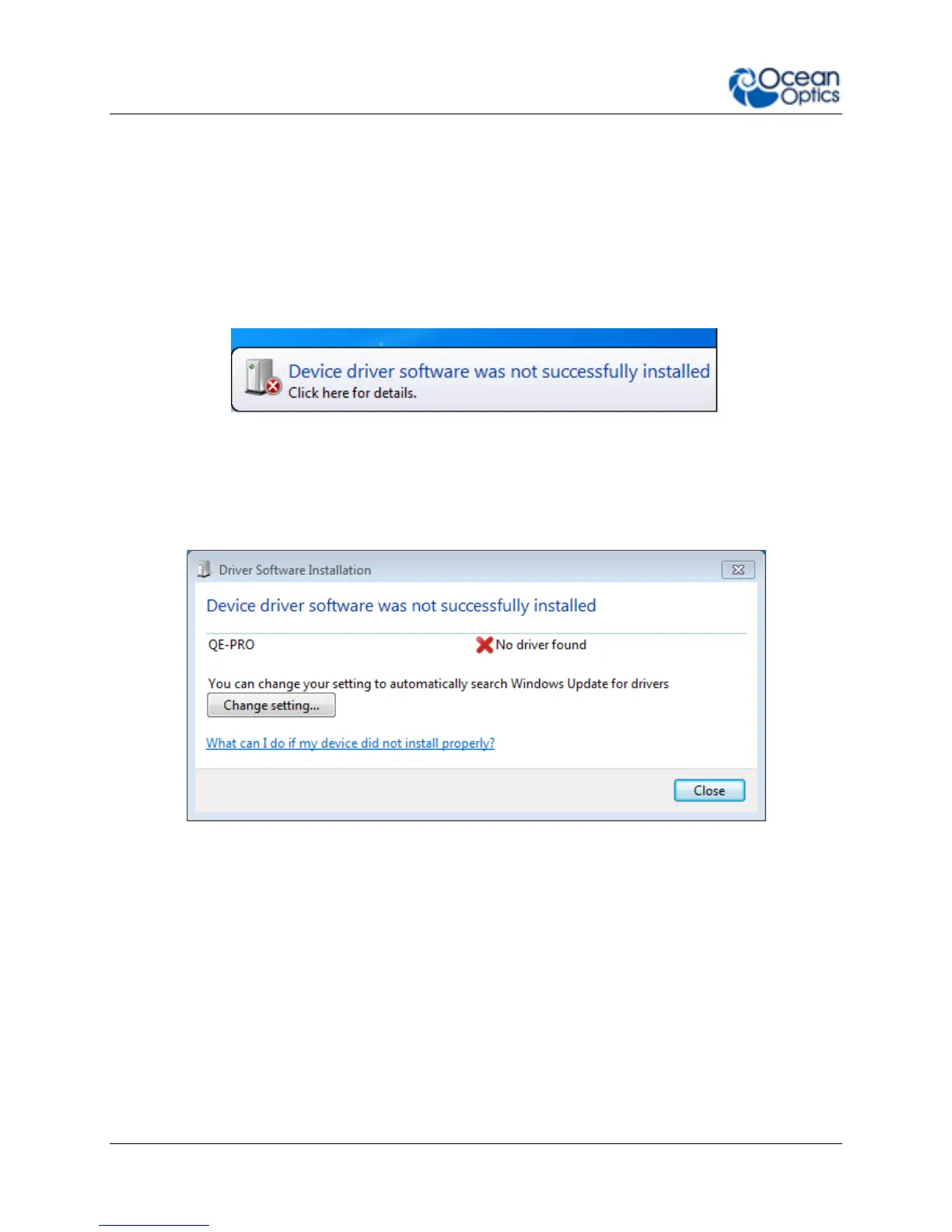
When you first plug in your spectrometer, Windows 7 will attempt (unsuccessfully) to automatically
install the driver for your spectrometer. Click close to close the warning message:
► Procedure
To manually install the new 64-bit driver for your spectrometer:
1. Click Change setting.
2. Select Yes, do this automatically.


 To Next Page