2: Installing the QE-PRO
18 891-00000-000-02-201603
Connect Spectroscopic Accessories
To find operating instructions for QE Pro compatible products (such as light sources, sampling chambers,
and probes), visit the Ocean Optics website at
http://www.oceanoptics.com/technical/operatinginstructions.asp.
External Triggering Options
You can trigger the QE Pro using a variety of External Triggering options through the 30-pin Accessory
Connector on the spectrometer. See the External Triggering Options document located at
http://oceanoptics.com///wp-content/uploads/External-Triggering-
Options_Firmware3.0andAbove.pdf. The triggering document contains instructions for configuring
External Triggering options for the QE Pro.
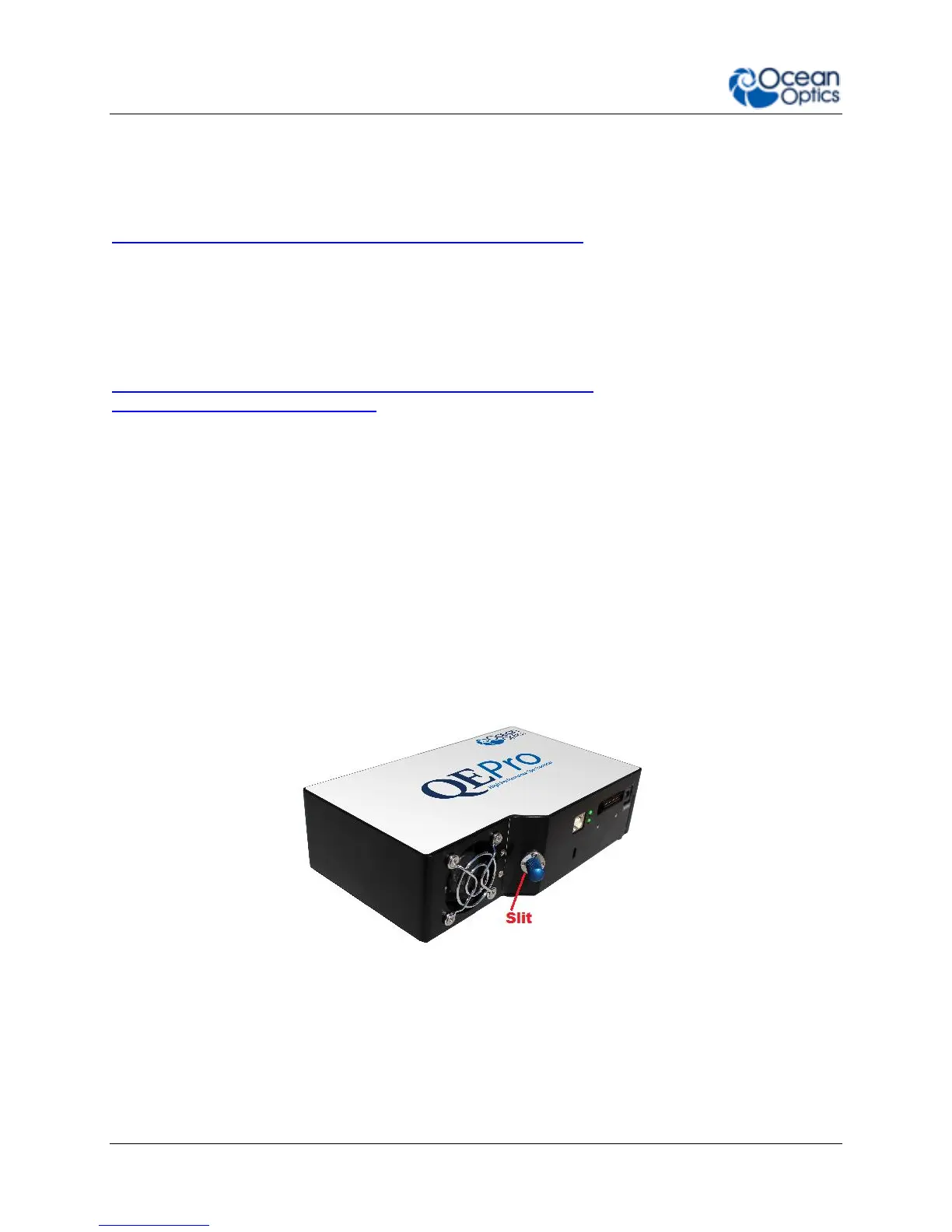
Change the Slit
There’s no need to calibrate your spectrometer when changing the slit, just install and start measuring.
There is one exception to this. You cannot change from a standard slit to a slit with a filter because it
changes the optical focus and wavelength calibration of the spectrometer. In this case you would need to
send the spectrometer back to Ocean Optics. A filter must be ordered for each slit (if your application
requires a filter) and the spectrometer needs to be calibrated and focused with the filter installed. This
only applies to filters installed inside the slit assembly.
► Procedure
1. Find the SMA connector. If a fiber is attached, remove it.
2. Use the Allen key to remove the 2 the screws attaching the slit to the spectrometer.
3. Pull the slit out of the spectrometer.
4. Put the new INTSMA slit connector into the spectrometer; with the key of the connector on the
left side.


 To Next Page