USB2000 Specifications
USB2000 Operating Instructions 8
System Compatibility
The following sections provide information on hardware and software requirements for the USB2000:
Compatibility for Desktop or Notebook PCs
To use the USB2000, you must have a PC that meets the following minimum requirements:
• IBM-compatible PC with Pentium (or higher) processor
• 32 MB RAM
• OOIBase32 Spectrometer Operating Software
• Windows 98/Me/2000/XP operating system (when connecting the USB2000 to a PC via USB port)
or
Any 32-bit version of Windows (when connecting the USB2000 to a PC via serial port)
Compatibility for Palm-sized PCs
In order to use the USB2000 with your palm-sized PC, the computer must meet the following requirements:
• Palm-sized PC running Windows CE 2.11 or higher
• 32 MB
• OOIPS2000 Spectrometer Operating Software
• Serial port connectivity
10-pin Accessory Connector Pinout
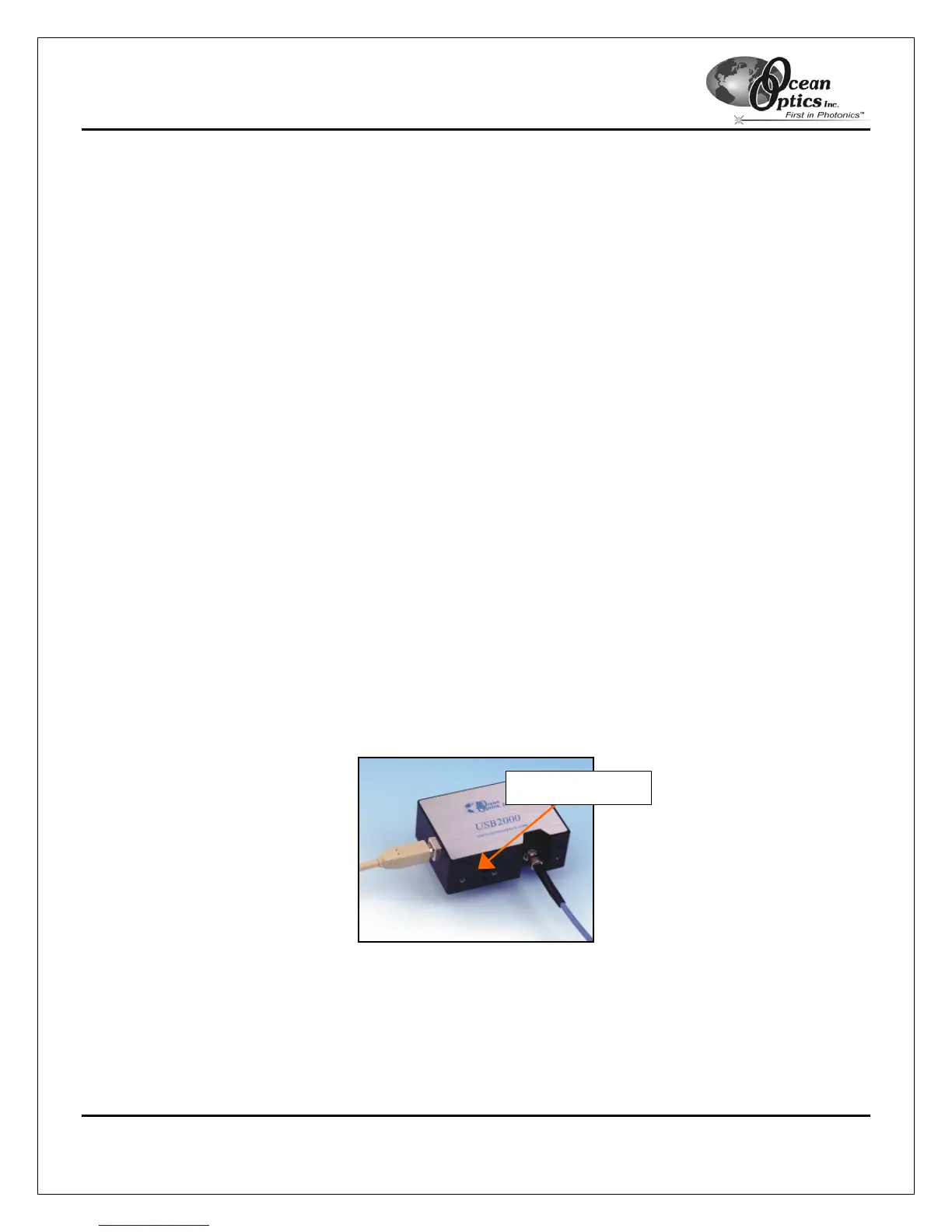
The USB2000 features a 10-pin Accessory Connector, located on the side of the unit as follows:
Figure 2-2: Location of USB2000 10-pin Connector
10-pin Connector



 To Next Page