13
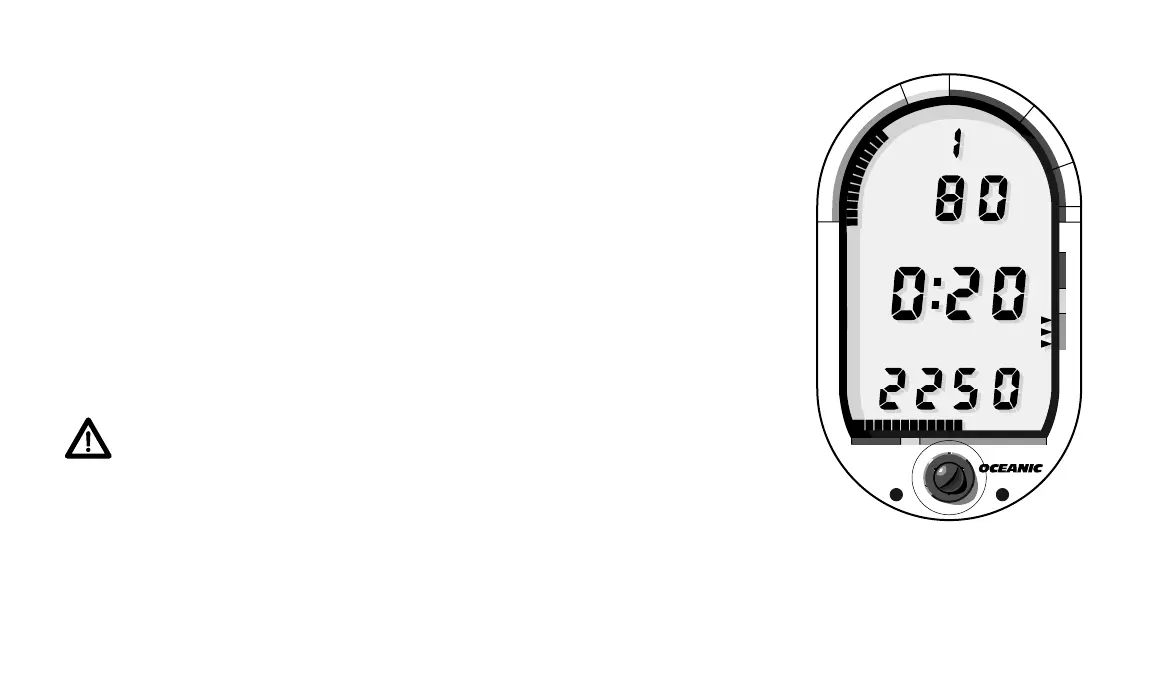
Fig. 11 – No-decompression
Dive Mode
®
DataMax
PRO
®
N
O
D
E
C
O
M
C
Z
.
.
1
0
F
T
S
T
O
P
2
0
F
T
3
0
5000 40003000
T
I
M
E
T
A
N
K
A
S
C
E
N
T
4
0
#
#
DEPTH
DEPTH
NO DEC
NO DEC
PSI
PSI
FT
FT
5. ALTERNATE DIVE MODE
Displays of Maximum Depth and Bottom Time are not considered impor-
tant enough to require constant display on the LCD, so a multiplexing
“Alternate Dive Mode” is used. No-decompression Dive Mode is replaced
every 15 seconds with Alternate Dive Mode for two seconds (Fig. 12). Alter-
nate Dive Mode displays Dive #, Maximum Depth (noted by Mode Labels
“DEPTH MAX FT”, and elapsed Bottom Time (Mode Label “BOTTOM”).
You can easily tell when you are viewing the Alternate Dive Mode because
the Graphic Diver Interface bar graphs disappear.
6. DECOMPRESSION DIVE MODE
The DataMax Pro will allow you to avoid, or easily manage, decompres-
sion. Before explaining further, read the following warning.
WARNING - Oceanic recommends the application of respon-
sible diving practices and does not recommend decompres-
sion diving or diving deeper than 130 feet. As these practices,
among other things, will greatly increase your risk of decom-
pression sickness.
The Decompression Dive Mode activates when the TLBG enters a red
decompression zone (Fig. 13a). When this occurs, the No- decompression













 To Next Page