18
WARNING: If your diving could be considered as decompres-
sion or repetitive, multi-day, it is strongly recommended that
you wait the full 24 hours after your last dive to add a greater
degree of protection.
WARNING: During the remaining 12 hours, the unit is in a
countdown mode only and must be reactivated before it can
be used for another dive.
TELLING THE DIFFERENT MODES APART
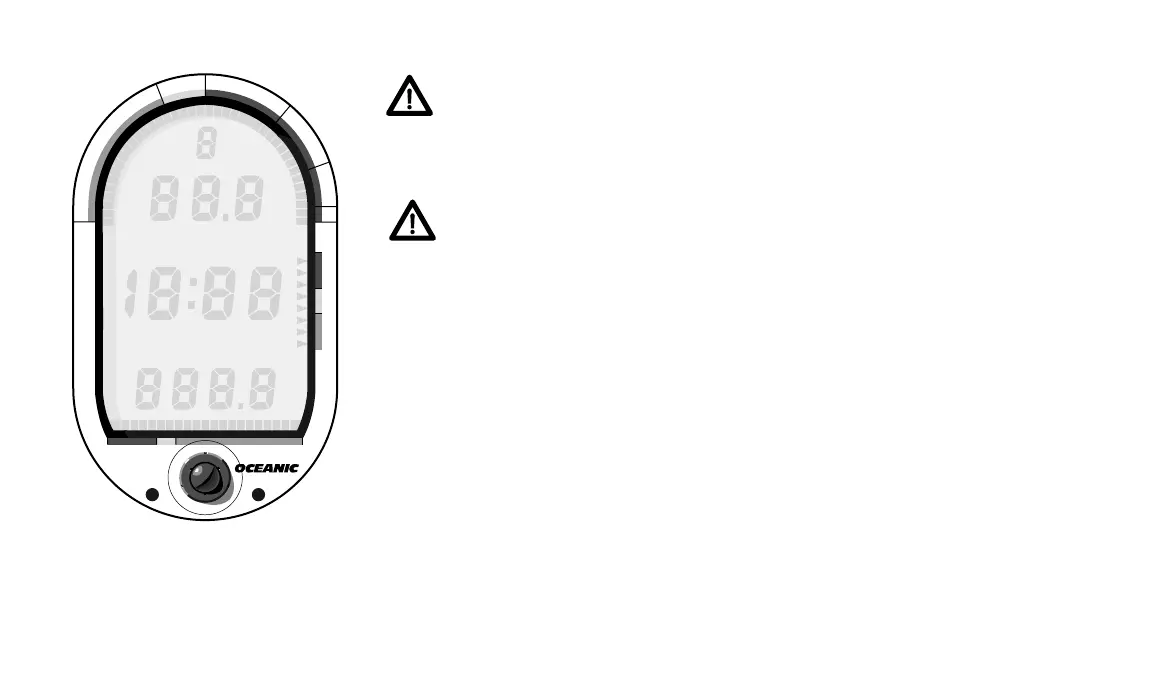
The DataMax Pro’s ten different modes are easy to tell apart. Each is
clearly marked with Mode Labels (Fig. 17) and all occur at different times.
Unless you routinely dive to the extremes, you will rarely see the Decompres-
sion Dive, Violation, or Gauge Modes. The Diagnostic and Dive Log Modes
occur only upon request by pressing the activation button. Therefore, the
only modes you will see underwater are No-decompression and Alternate
Dive. Above water you will view the Pre Dive Planning Sequence, Surface,
and Time to Fly Modes. Become familiar with all ten modes so that you
understand exactly what the DataMax Pro is trying to tell you.
INFORMATIONAL DISPLAYS
Each DataMax Pro display represents a unique piece of information. The
Fig. 17 – Mode Labels
®
DataMax
PRO
®
N
O
D
E
C
O
M
C
Z
.
.
1
0
F
T
S
T
O
P
2
0
F
T
3
0
5000 40003000
T
I
M
E
T
A
N
K
A
S
C
E
N
T
4
0
#
LOG
LOG
PLAN
PLAN
DEPTH
DEPTH
MAX
MAX
SURFACE
SURFACE
BOTTOM
BOTTOM
NO DEC
NO DEC
AIR
AIR
M
M
LOW BATT
LOW BATT
METRIC
METRIC
PSI
PSI
FT
FT













 To Next Page