9 BIOM® 5 in Use
18 / 40 Instruction Manual BIOM® 5 (G/55400/0413/en)
For BIOM
®
5c only
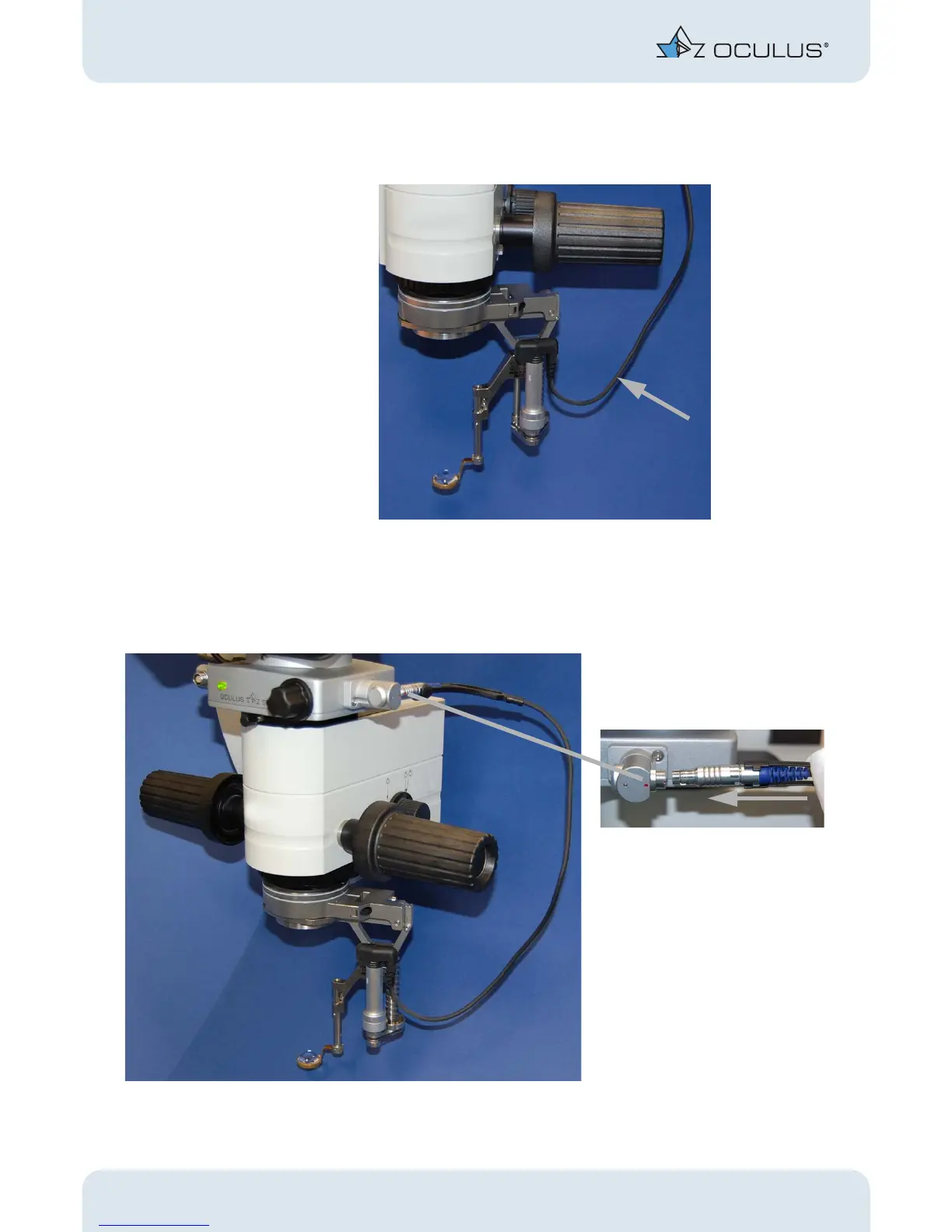
For the BIOM® 5c, you must connect the control cable to the SDI® 4c.
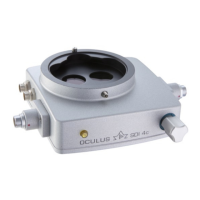
Connect the control cable to one of the side couplers of the SDI® 4c.
Make sure that the cable does not touch any unsterile parts of the
microscope.
Fig. 9-8: Connect the control cable without touching the unsterile microscope parts
Fig. 9-9: BIOM® 5c: Connect the control cable



 To Next Page