9 Patient Data Management
22 / 60 Instruction Manual Easyfield® (GA/15000/XXXX/EN 1219 Rev01)
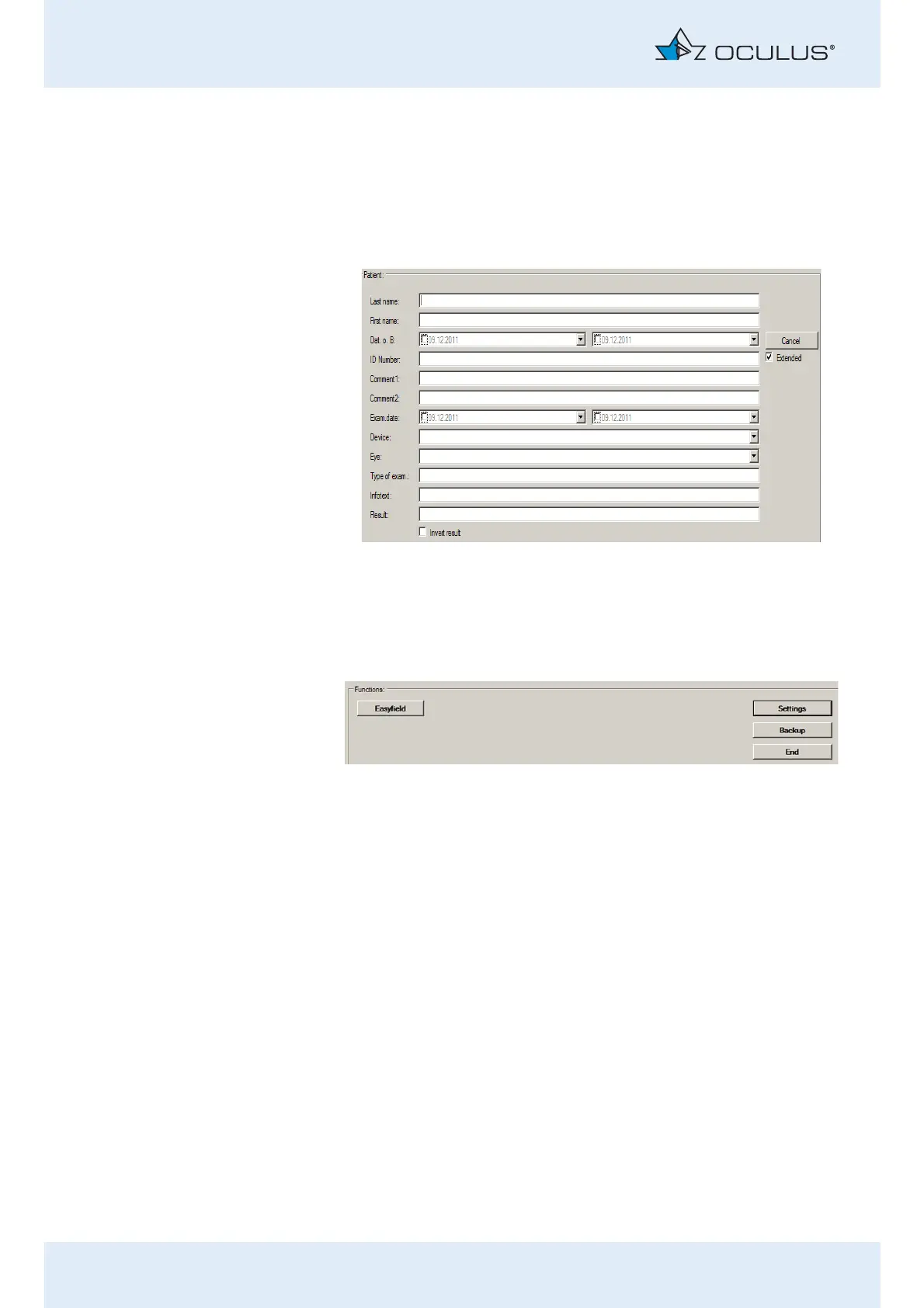
Extended patient search: [Extended] checkbox
Click on the checkbox [Extended].
The screen displays additional search parameters which reference
previous examinations, for example. Proceed as for the input of a patient
name.
9.2 Starting the Easyfield® program
After selecting a patient: Press the [Easyfield] button to start the
Easyfield® program.
or
Double-click the selected patient name or an examination of the
selected patient in order to start the Easyfield® program.
Fig. 9-4: Extended search
Fig. 9-5: Start the Easyfield® program



 To Next Page