11 Measurement Procedure
32 / 60 Instruction Manual Easyfield® (GA/15000/XXXX/EN 1219 Rev01)
11.4 Ending the Examination
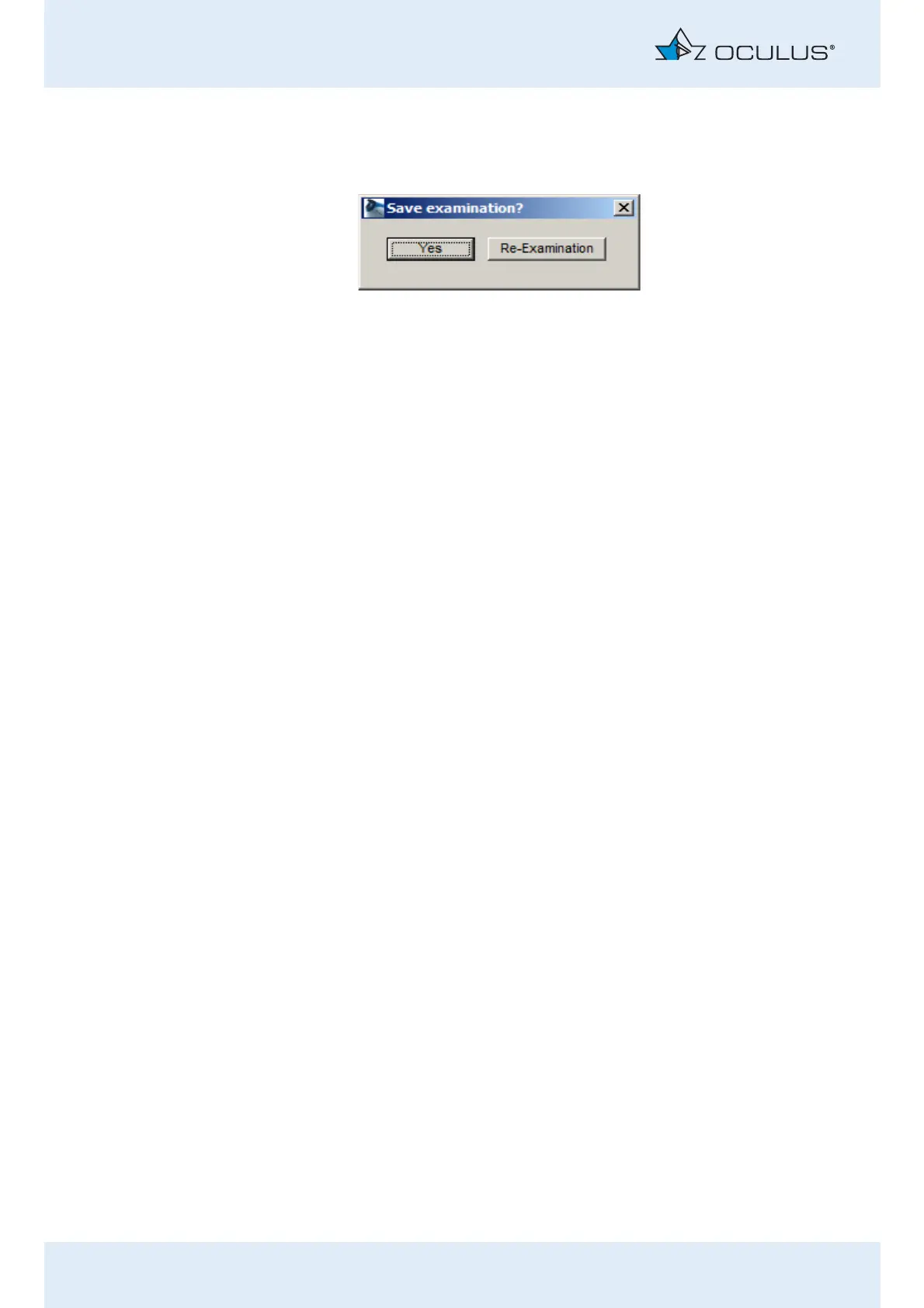
At the end of an examination, the following dialog box appears:
Now decide how you want to proceed, based on the examination results.
Tell the patient that the examination has been stopped and that the
patient can relax.
Disinfect the forehead and chin rest after each examination,
sec. 13.2,
page 41
.
Disinfect the hand held button after each examination,
sec. 13.2,
page 41
.
11.4.1 Saving the Examination Data
If you are content with the findings, or you have already performed the
desired re-examination, you can now save the examination results. To do
this:
Press the [Yes] button.
The examination data are saved and can be reloaded again later via
the Easyfield® program.
Fig. 11-12: Save the examination results



 To Next Page