11 Measurement Procedure
Instruction Manual Easyfield® (GA/15000/XXXX/EN 1219 Rev01) 33 / 60
11.5 Performing a re-examination
If you want to check peculiar test points, you can conduct a re-
examination. Proceed as follows:
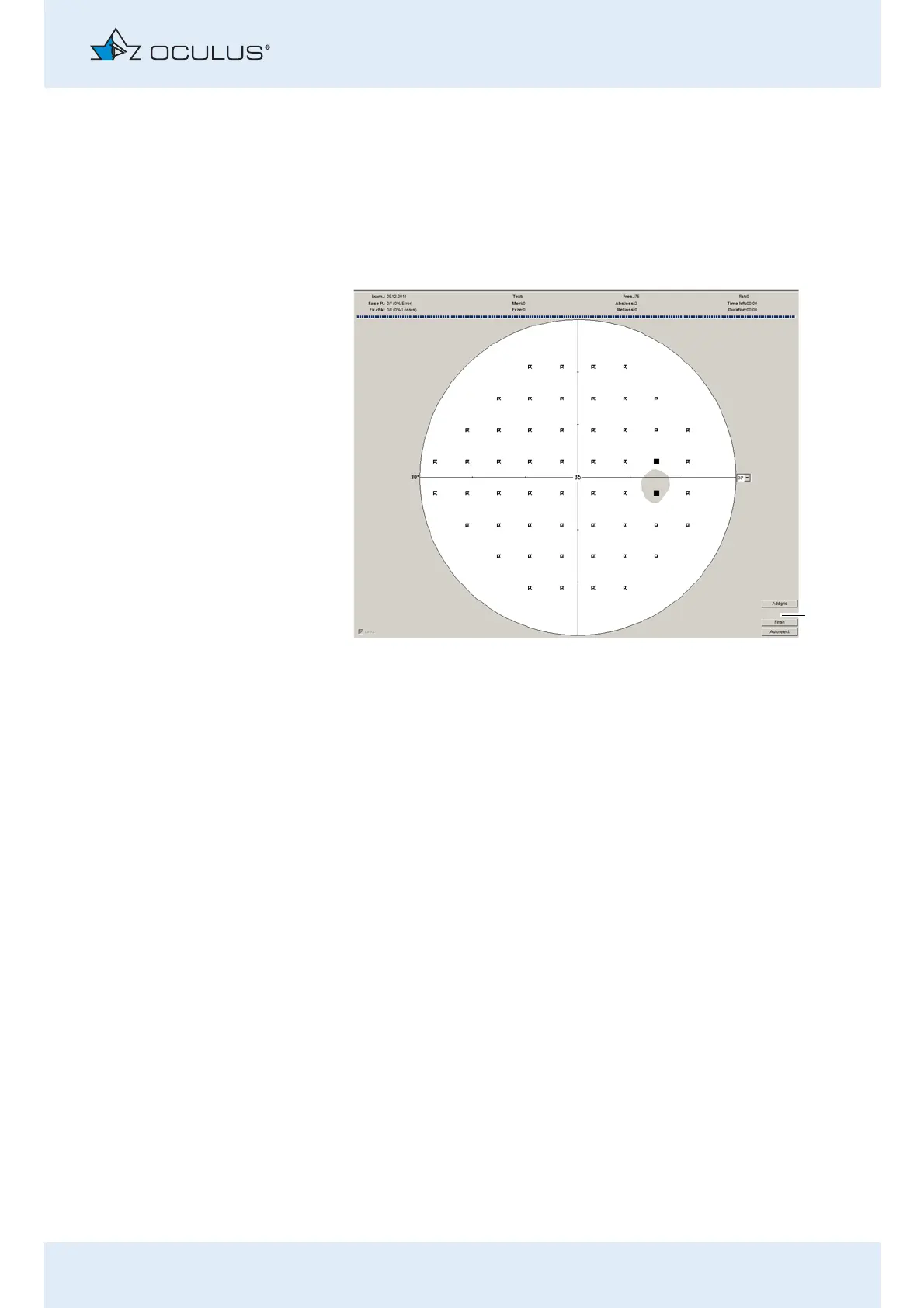
Press the [Re-Examination] button.
Three additional buttons appear at the bottom right of the displayed
examination results.
You can determine the points for the re-examination in several ways.
Press the [Autoselect] button. The peculiar points are then automatically
selected.
Manually select the points in the test point grid with the mouse.
Press the [Add] button to manually add more points that are not yet
present in the test point grid.
Then click in the test point grid to define the additional test points.
1 Additional buttons
Fig. 11-13: Additional buttons for a re-examination



 To Next Page