10 The Easyfield® program
Instruction Manual Easyfield® (GA/15000/XXXX/EN 1219 Rev01) 23 / 60
10 The Easyfield® program
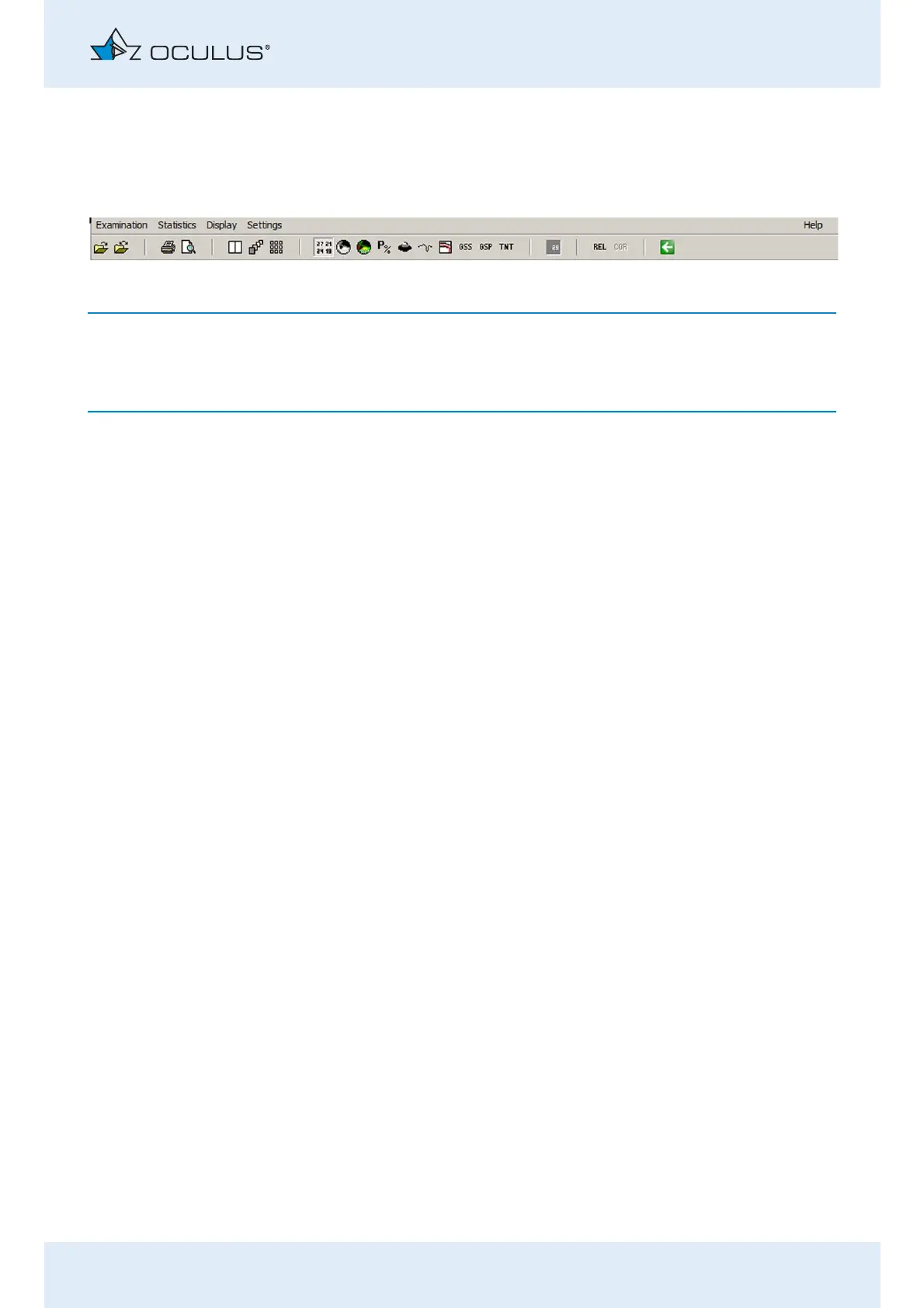
You can get to the menu list from any screen of the Easyfield® program.
The meaning and function of the individual symbols are found in the User
Guide.
Loading previous examinations
Select the menu item [Examination] and click [Load].
The dialog box "Load Examination" appears.
Make a selection by clicking the required examination.
Confirm your selection by clicking [OK], or by double clicking.
The Easyfield® program will load the examination you have selected.
Fig. 10-1: Menu list with function buttons



 To Next Page