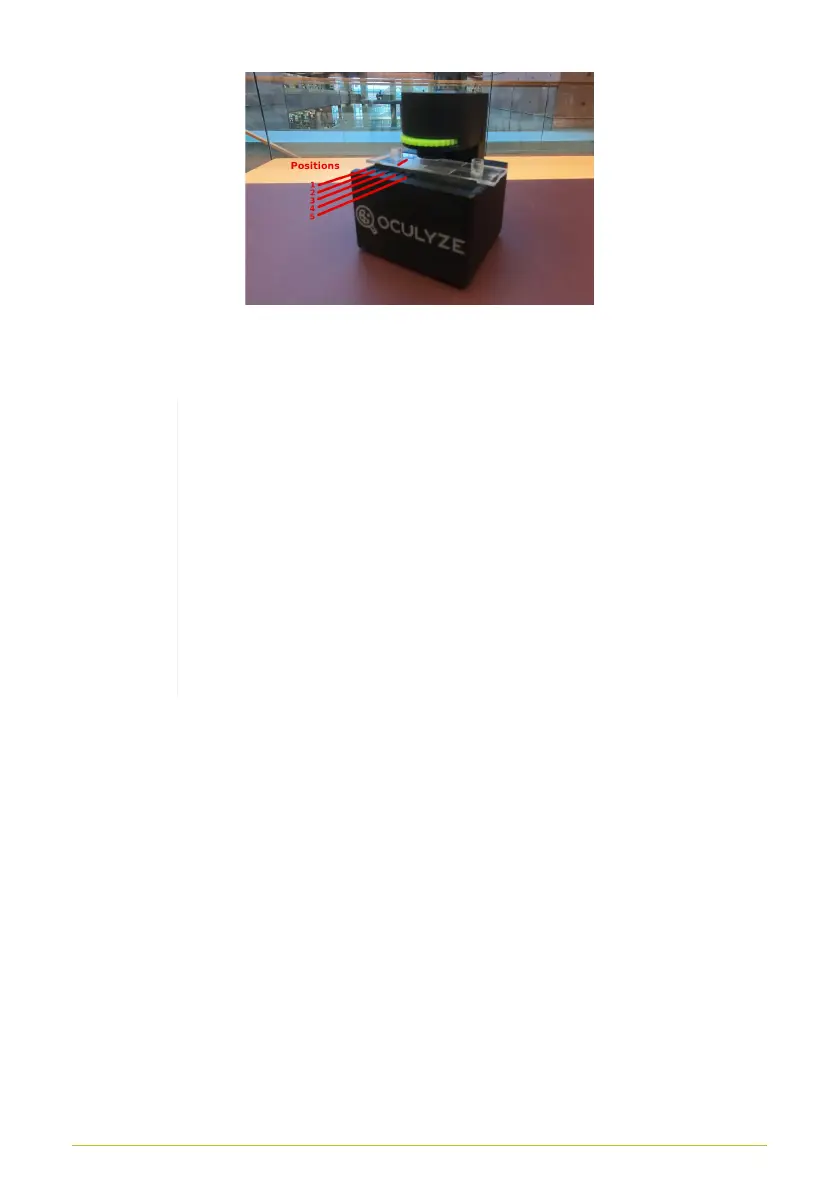
Figure 10. Bring the sample chamber into position. Position 3 is
shown in the image
Note:The red status light is on, when when the
device is turned on and lighting is active
(automatic after connecting to a mobile device). To
conserve battery power on your mobile device, the
Oculyze BB 2.0 turns itself off automatically after
15 minutes of use. The indicator light will blink
briefly before this happens; by pressing the button
again, the device will remain powered on for an
additional 15 minutes
10



 To Next Page