Initial Setup
Installing the App
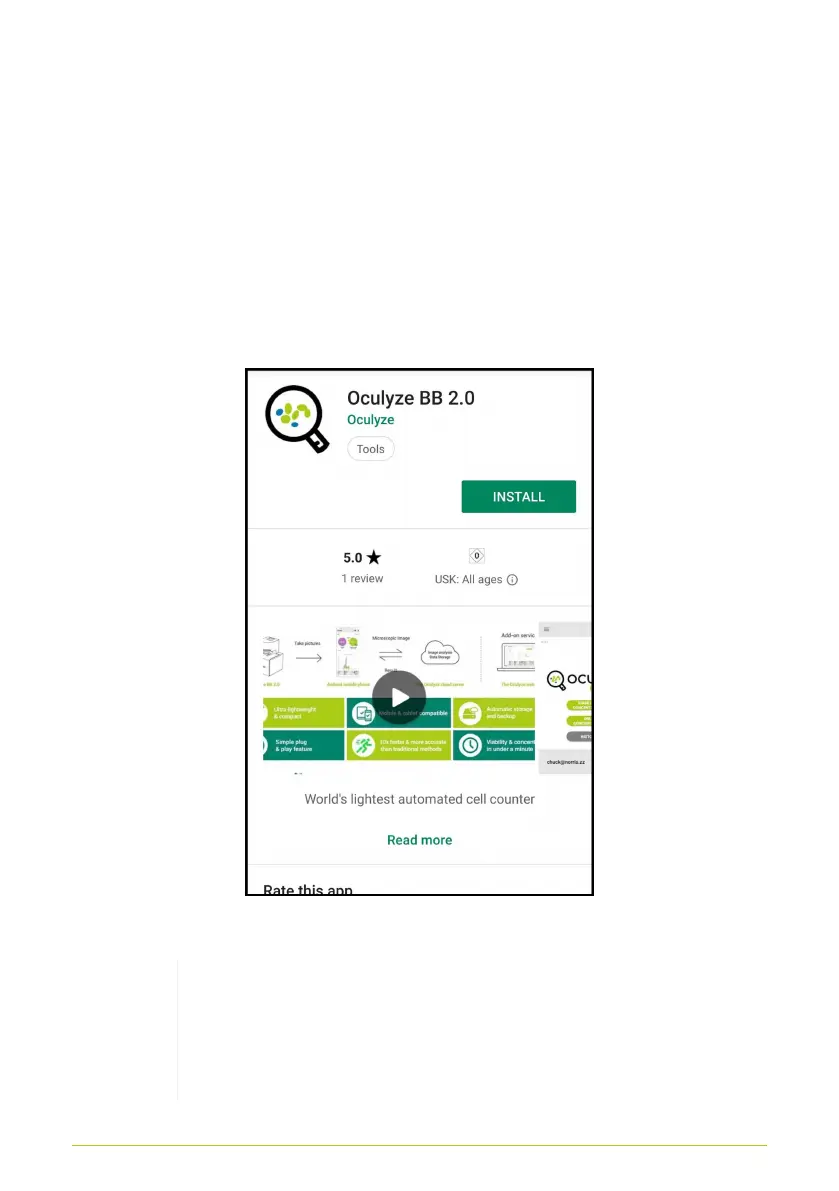
To use the Oculyze BB 2.0 the oculyze app has to be installed on
the mobile device. Open the Play Store and search for “oculyze
BB 2.0”. Then select the Oculyze app and press “Install” as seen
in Fig. 1.
Figure 1. Installing the Oculyze app
Note: When starting the Oculyze app for the first
time you will be prompted to grant it permission. It
is important to grant all requested permissions for
the app to operate properly.
3



 To Next Page